

Airbrush Studio
AI-assisted portrait retouching and batch photo editing
Edit photographs, compare a shoot, and organize a growing image library
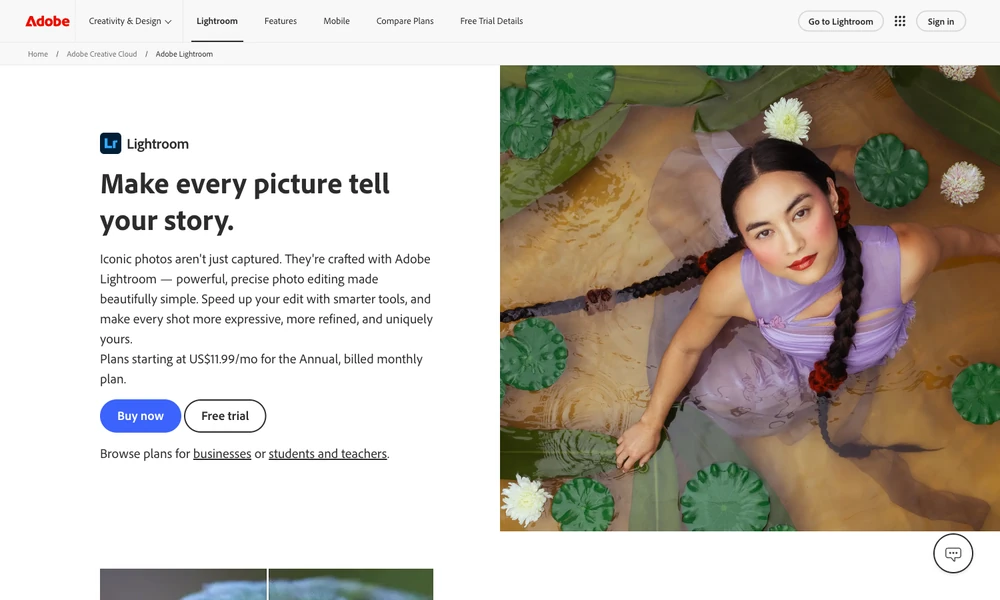
Lightroom combines photo editing with a searchable image library. Review a shoot, choose photographs, adjust exposure and color, and apply presets for a consistent treatment. Selective edits refine the subject or background after the broader changes.
Assisted Culling scores images against chosen criteria such as focus and open eyes, leaving the selection with the photographer. Portrait adjustments, dust removal, and upscaling provide further editing tools. Lightroom is available across desktop, mobile, and the web, while Lightroom Classic centers its workflow on a desktop catalog. Presets and organization tools remain available as the collection grows and individual pictures receive further revisions.
Tried it? Share a useful thought or ask a question.
Good conversations start with a hello.
Sign in to commentAI-assisted portrait retouching and batch photo editing
Get focused photo critique and compare your next edit
Capture everyday photos with film-inspired color and grain on iOS
Find browser-based photo tools by editing task
AI photo editing and product imagery for online sellers
Edit photographs with precise local adjustments and AI tools