

CloudConvert
Convert files and connect conversion to your workflow.
Convert files between supported document, media and archive formats
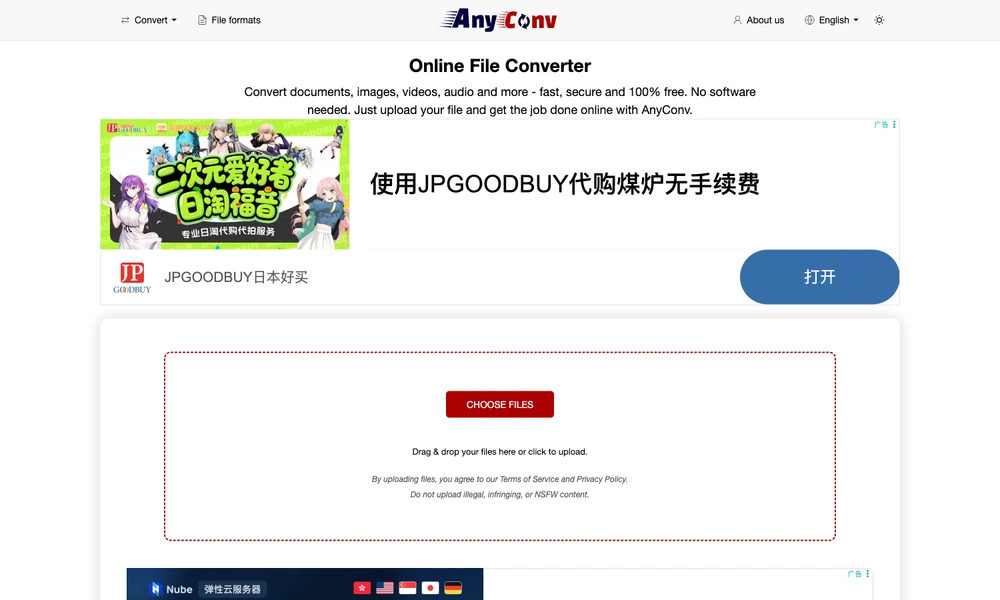
AnyConv converts files between supported formats through a browser. Upload a document, image, recording, or archive, choose an available output, and download the result after processing. The format catalog also covers spreadsheets, presentations, fonts, vector artwork, CAD files, and 3D meshes. It provides a route when another application needs a different file type, without installing a separate converter for that individual job. The input format determines the output choices: a photograph, font, and mesh have different conversion paths. File size and usage limits govern what can be processed, so the selected job remains tied to the uploaded file and its supported target.
Tried it? Share a useful thought or ask a question.
Good conversations start with a hello.
Sign in to commentConvert files and connect conversion to your workflow.
Convert files between formats in your browser.
Change a file into the format you need.
Convert files for common formats, devices and online services
Convert documents, images, fonts and other files in a browser
Convert video, audio, images and documents through your browser