
OctoStream
Publish IP camera feeds on websites and live streaming platforms
Use an iPhone camera as a video and audio source for OBS
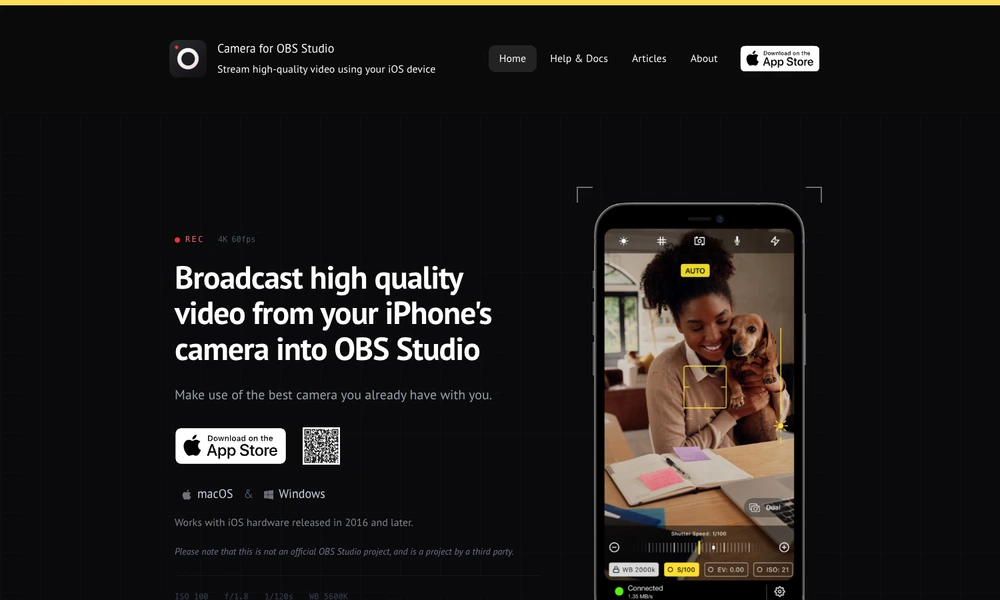
Camera for OBS Studio turns an iOS device into a camera source for a computer-based broadcast. A wired USB connection works with its OBS Studio plugin, while a wireless option sends video and audio to an NDI-compatible receiver. Multiple devices can supply different angles for a stream, lesson, or recording.
The app provides manual focus, exposure, white balance, lens selection, alignment guides, focus peaking, and a live histogram. Browser-based remote control helps adjust a device after it has been placed away from the computer. The companion plugin supports macOS and Windows. This is an independent product developed for use with OBS Studio.
Tried it? Share a useful thought or ask a question.
Good conversations start with a hello.
Sign in to commentPublish IP camera feeds on websites and live streaming platforms
Broadcast live and prerecorded video to multiple destinations
Build separate desktop and mobile live productions and distribute them across platforms.
Switch, mix, record, and stream live video productions from a Windows PC.
Host interactive workshops, webinars, and livestreams with built-in production tools.
Open-source video recording and live streaming