
SplitImage
Split images into tiles for social posts, printing, and design
Remove image backgrounds and prepare transparent cutouts
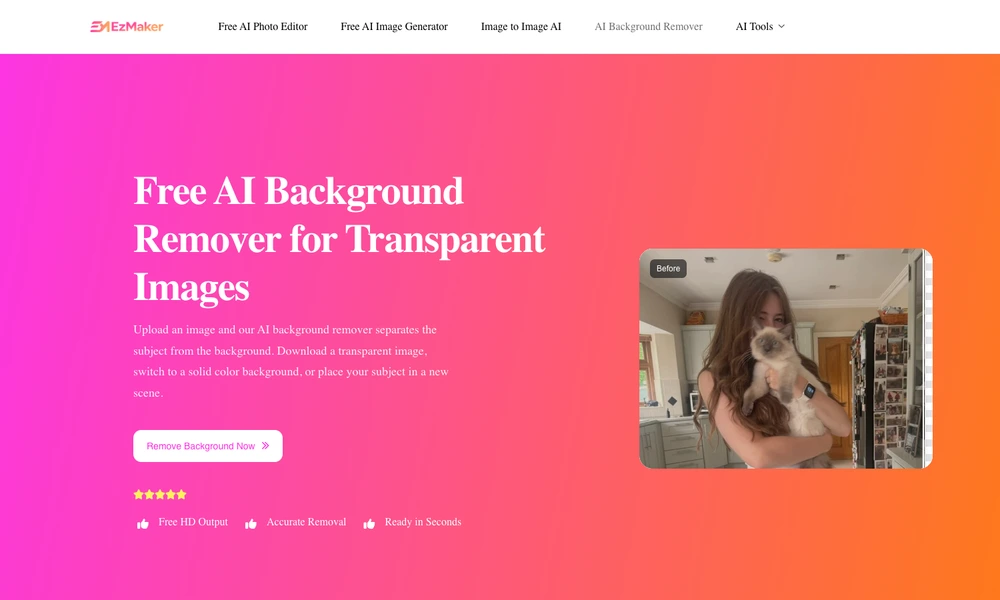
EzMaker AI Background Remover separates a subject from the background of an uploaded image. Users can add a supported photo through the browser, review the generated cutout, and download a transparent result for use in another design. The tool also supports placing the subject against a solid color or a different scene.
Example images provide a way to explore the interface before using a personal file, and the workflow does not require installing desktop editing software. It is useful for preparing product pictures, profile imagery, presentation elements, and other assets that need a clean background. The remover is part of EzMaker's wider collection of online image tools.
Tried it? Share a useful thought or ask a question.
Good conversations start with a hello.
Sign in to commentSplit images into tiles for social posts, printing, and design
Give photos retro camera looks in your browser
Photo editing, retouching, and AI image tools
Edit and enhance photos directly in your browser
Layered photo editing and vector graphics for Mac and iPad
Give a team’s real profile photos a consistent style