

Microsoft Edge
Browse across devices with tab management and Microsoft integrations
Browse the web with synchronized accounts, extensions and tab controls
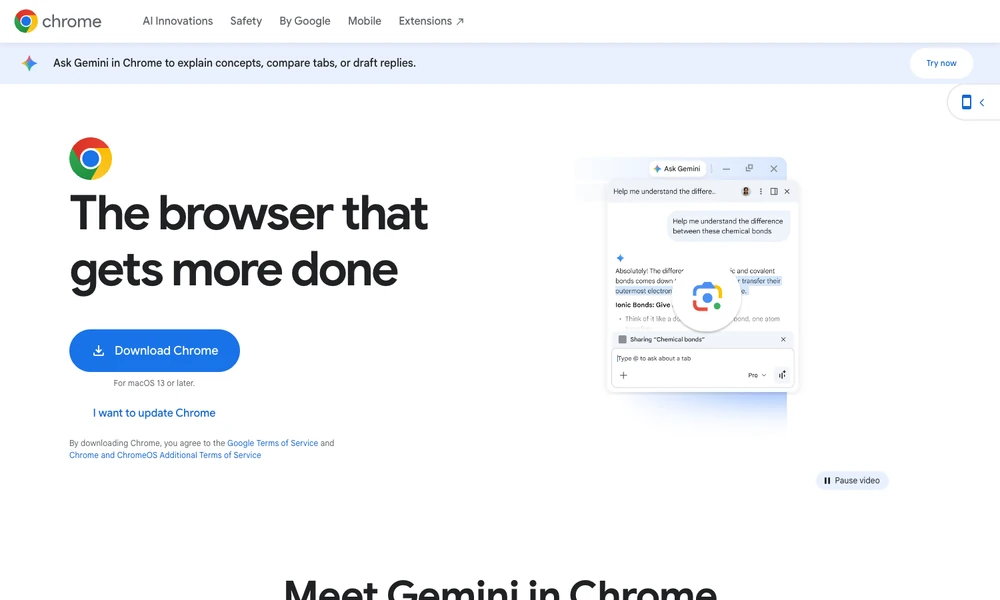
Google Chrome browses the web across computers and mobile devices. Group and label tabs, save bookmarks, manage passwords, and use autofill for recurring form details. Signing in can synchronize selected browsing data between devices, while desktop extensions add tools from the Chrome Web Store.
Memory and energy controls manage inactive pages and resource use. Safe Browsing provides warnings about selected threats, with privacy settings for reviewing browsing data. Gemini in Chrome adds ways to ask about open tabs, compare information, or develop a draft using that context. Some AI actions require an eligible subscription and location, so the available browsing tools depend on the account and installation.
Tried it? Share a useful thought or ask a question.
Good conversations start with a hello.
Sign in to commentBrowse across devices with tab management and Microsoft integrations
Organize browsing with tab groups, sidebar messaging and built-in tools
Use browser pages and local files as context for AI workflows
Manage isolated browser profiles with local storage
Work with an AI agent inside a macOS web browser
Search, organize, and restore your browser tabs from the keyboard