

Retina
Polish Mac screen recordings with automatic zoom and cursor motion
Record your screen and camera, then edit polished demos in the browser
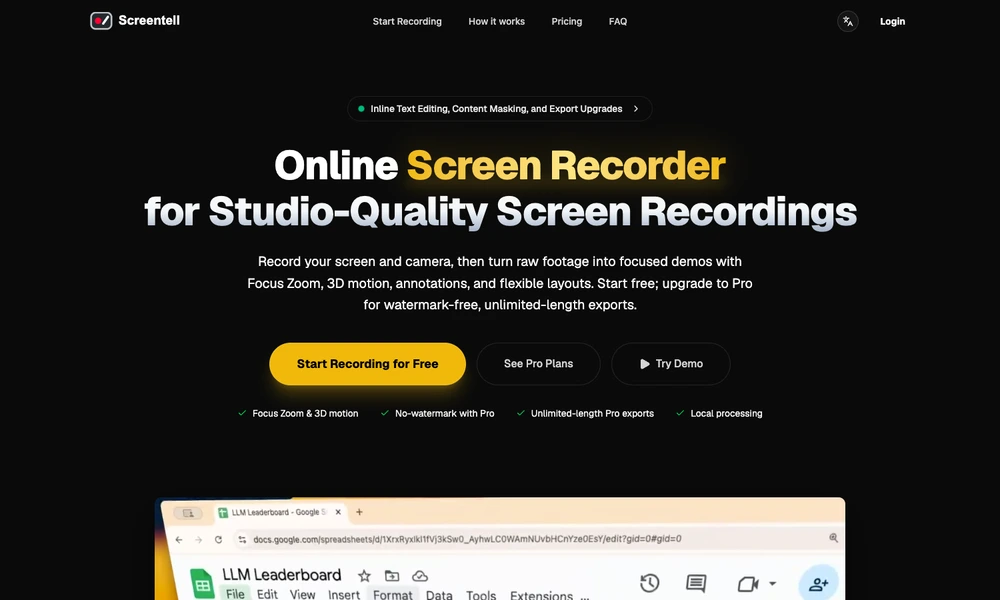
Screentell is a browser-based recorder and editor for product demos, tutorials, and presentations. It captures the screen, camera, microphone, and system audio, then provides separate editing controls for the footage and camera layer. Users can cut clips, change playback speed, crop the view, and add zooms or three-dimensional motion to emphasize important details.
Annotations, image stickers, backgrounds, padding, and shadows help shape the final presentation. Recordings are processed locally in the browser and can be exported as MP4, WebM, or GIF. Screentell also accepts existing video, with a free tier and paid plans for removing watermarks and export-length limits.
Tried it? Share a useful thought or ask a question.
Good conversations start with a hello.
Sign in to commentPolish Mac screen recordings with automatic zoom and cursor motion
Record, edit, and share screen videos with transcripts and developer logs
Record and edit product demos in your browser
Record screen demos with automatic zooms and editable camera moves
Record and edit Mac product demonstrations with synchronized camera and screen tracks.
Turn a screen recording into a video worth sharing.