

Backendless
Build application backends, databases and interfaces with visual development tools.
Use a Google Sheet as a live API for your application
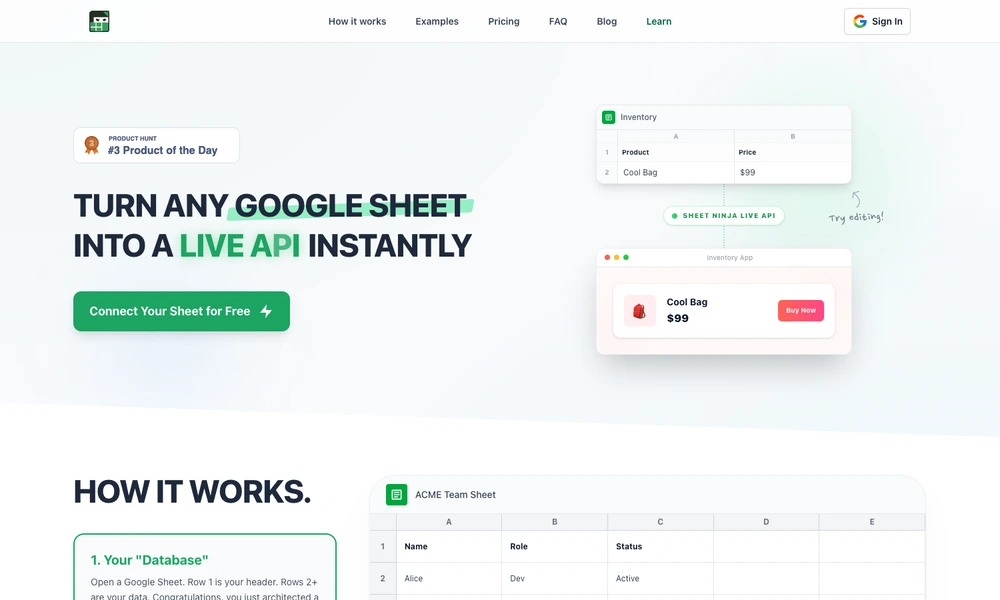
Sheet Ninja turns a Google Sheet into an API that a website or application can read and update. Column headers become JSON keys, while the following rows provide the data. Users connect a sheet and receive an API key, keeping the spreadsheet as the place where they can inspect and edit records.
The API supports adding, editing, and deleting rows, with bulk operations and request allowances depending on the plan. Integration prompts help AI coding tools connect an application to the service. Typical uses include simple inventory apps, directories, waitlists, dashboards, editable website content, and internal tools. This approach suits projects whose data is already maintained in Sheets and does not need a separate database interface.
Tried it? Share a useful thought or ask a question.
Good conversations start with a hello.
Sign in to commentBuild application backends, databases and interfaces with visual development tools.
Build notification workflows across email, messaging, push, and in-app channels.
Send transactional email through an API or SMTP with delivery tracking
Add user accounts, content, and community features through one backend
Add persistent memory and relevant context to AI applications
Schedule agent jobs and webhooks with execution history, alerts, and retries.