

Permute
Convert and batch-process media files on Mac
Convert and process files locally with a drag and a keyboard shortcut.
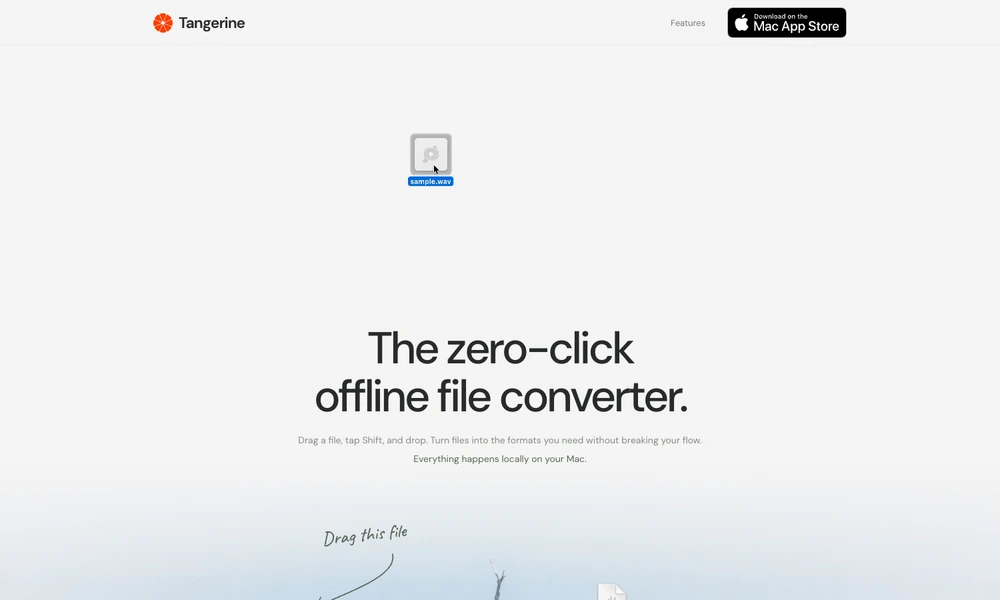
Tangerine brings file conversion and editing tools into a drag-and-drop workflow on Mac. While dragging a file, users tap a key to open a wheel of relevant actions, then drop it onto the desired result. Supported categories include images, audio, video, documents, spreadsheets, subtitles, and archives.
Beyond conversion, Tangerine can compress media, adjust photos, edit metadata, crop images, redact private areas, and combine files into PDFs. A separate action wheel offers AirDrop, a floating file shelf, copying, moving, and opening a folder in Terminal. Processing happens locally without uploading files. The app is available through the Mac App Store for supported Apple silicon Macs.
Tried it? Share a useful thought or ask a question.
Good conversations start with a hello.
Sign in to commentConvert and batch-process media files on Mac
Convert files and connect conversion to your workflow.
Convert files between formats in your browser.
Convert video, audio, images and documents through your browser
Convert documents, images, fonts and other files in a browser
Handle common image, PDF, text, and data tasks in a browser without an account.