
Fide Island
Keep media, notes, and quick tools around your MacBook notch
Keep screenshots, clipboard history, and daily tools in the Mac notch
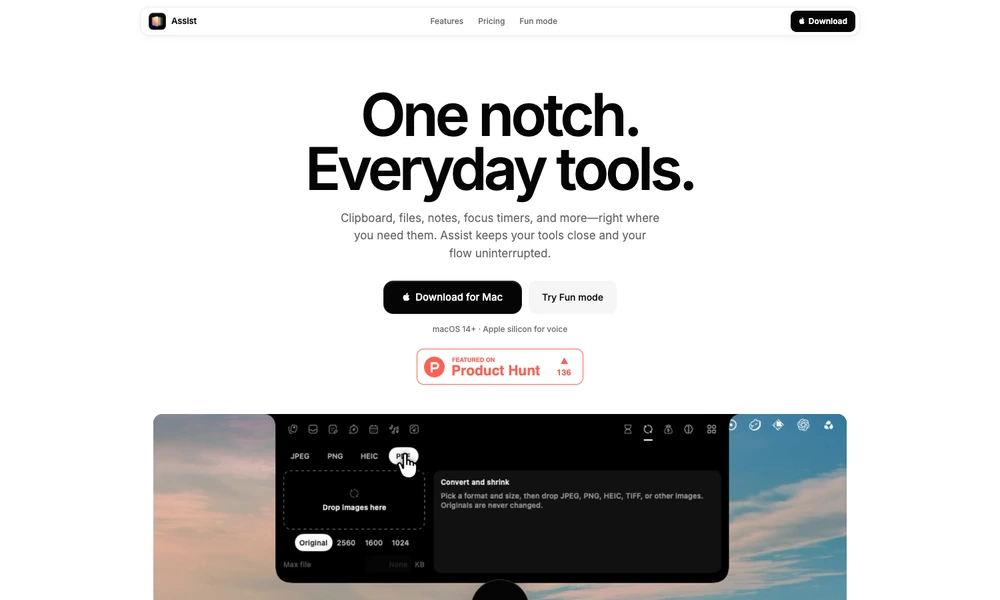
Assist brings several everyday Mac utilities into a panel around the screen notch. Users can retrieve clipboard items, hold files for dragging into another app, write quick notes, and run focus timers. Optional modules add calendar events, reminders, music controls, system readings, image conversion, and activity summaries.
Screenshot capture includes a small editor for cropping, blurring, and adding a backdrop. Voice annotation combines on-screen drawing with a local transcript so an image can retain the explanation behind it. Users enable the modules they need and grant relevant macOS permissions. Assist requires macOS 14 or later, with Apple silicon required for voice features, and is sold as a one-time license for an individual Mac.
Tried it? Share a useful thought or ask a question.
Good conversations start with a hello.
Sign in to commentKeep media, notes, and quick tools around your MacBook notch
Keep music, clipboard tools, timers, and activity controls around the Mac notch.
Access daily tasks and live Mac activity from a notch panel
Keep media, calendar, notes, clipboard history, and timers at the top of your Mac.
Bring everyday Mac controls and widgets into the notch
Add music controls, calendar access, and a file shelf to your Mac’s notch