

TIM PG
Redact sensitive text locally before using AI tools
Hide sensitive webpage details before sharing your screen
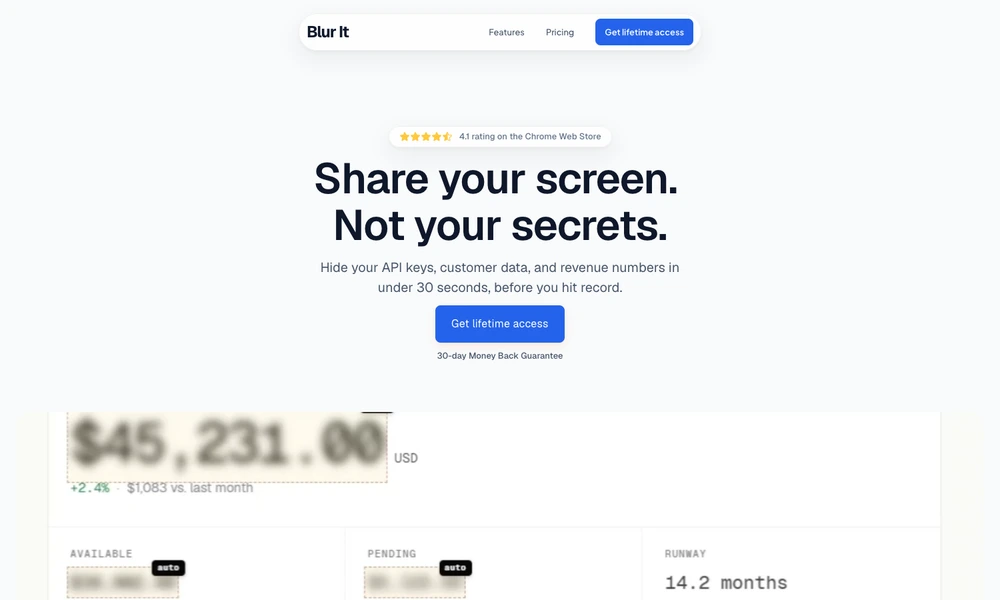
Blur It is a browser extension for covering sensitive information before a screen share, recording, or demonstration. Users can click individual text elements such as names, email addresses, and numbers, or draw a box over a larger area containing a chart, form, or image. The blur is applied directly to the webpage being shown.
Selections persist through page reloads, helping someone resume a presentation without repeating the setup. The extension also detects common categories of sensitive text and processes its work locally in the browser. It is useful for preparing customer demonstrations, tutorials, and internal meetings where a real application needs to remain visible while selected details are concealed.
Tried it? Share a useful thought or ask a question.
Good conversations start with a hello.
Sign in to commentRedact sensitive text locally before using AI tools
Create disposable forwarding aliases with breach alerts and optional PGP encryption
Use email aliases while keeping your main inbox private
Create email aliases that forward to your inbox and can be disabled individually
Disposable inboxes for short-term email needs
Detect nearby screen watchers with on-device camera analysis