

Fluently
Generate translated YouTube captions and ask questions about individual segments.
Follow app audio with live translated captions in a floating iPhone or iPad window.
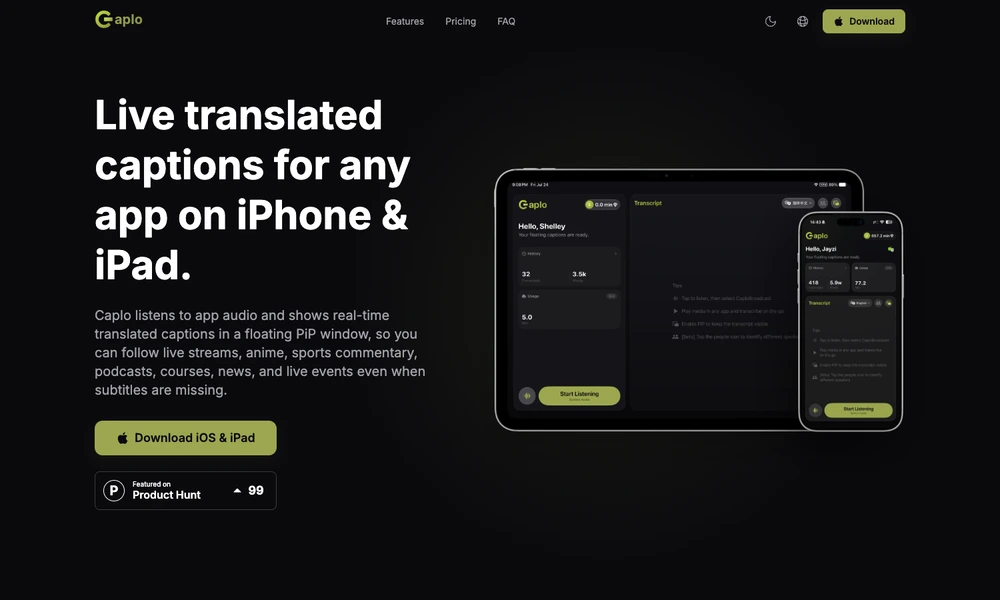
Caplo provides live transcription and translated captions for audio playing in supported iPhone and iPad apps. Users start an iOS screen broadcast and read the result in a floating picture-in-picture window while continuing to watch a stream, video, or course. Microphone input offers another way to capture speech for captions.
The app supports multiple languages and saves session history for later review, with optional iCloud synchronization and Markdown export. It is useful when suitable subtitles are missing or delayed, although recognition and translation can still miss details. Video calling and conferencing apps are excluded from its supported audio capture workflow.
Tried it? Share a useful thought or ask a question.
Good conversations start with a hello.
Sign in to commentGenerate translated YouTube captions and ask questions about individual segments.
Follow live speech with transcription and translation
Create, translate, style, and dub video subtitles online
Turn speech into formatted text on iPhone and Mac, with translation and searchable history.
Record spoken ideas and search on-device transcripts across iPhone, iPad, and Mac.
Create editable transcripts and subtitles from audio or video