

Haptiker
Control volume, brightness, and app switching from trackpad edges
See and learn the keyboard shortcuts in the Mac app you are using
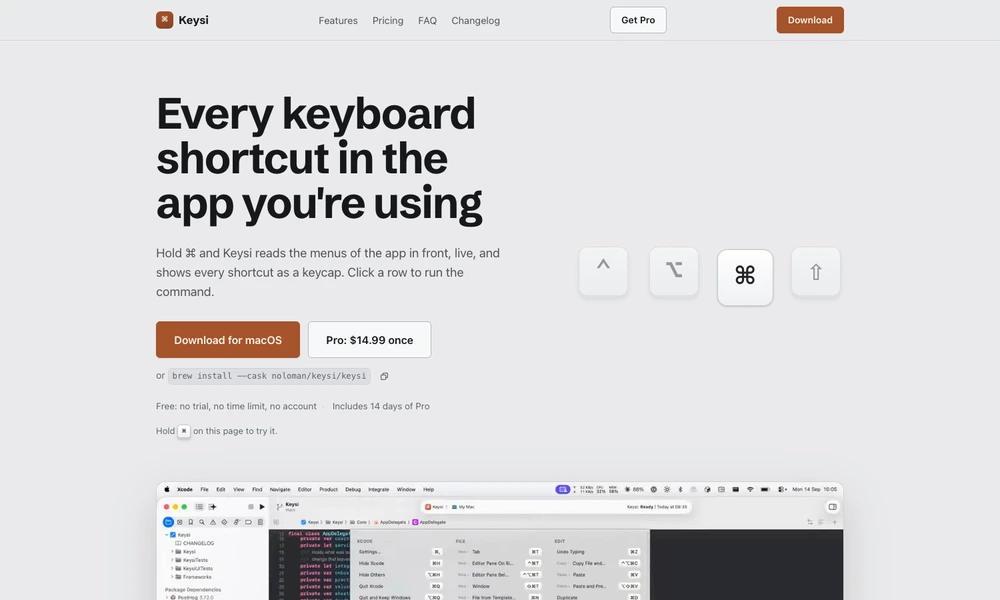
Keysi reveals the keyboard shortcuts available in the Mac app you are using. Hold a modifier key and it reads the application’s current menus, displaying commands as searchable keycaps. You can run a command from the list, save favorites, hide unwanted entries, and consult additional cheat sheets for tools whose shortcuts are not exposed through ordinary menus. It also recognizes custom key bindings in supported editors and warns when another application or macOS intercepts a shortcut.
The free app supplies the reference tools without an account or time limit. An optional Pro license adds reminders after you use menu commands and practice drills based on spaced repetition, helping frequently needed shortcuts become familiar through daily use.
Tried it? Share a useful thought or ask a question.
Good conversations start with a hello.
Sign in to commentControl volume, brightness, and app switching from trackpad edges
Turn taps on your MacBook into app-specific shortcuts
Control coding assistants and desktop shortcuts with a game controller on macOS.
Build a personal Mac menu bar for apps, links, and scripts
Access and combine common Mac settings from the menu bar
Launch Mac actions and workflows from a gesture-driven pie menu