
Alfred
Search your Mac and trigger actions from the keyboard.
Control coding assistants and desktop shortcuts with a game controller on macOS.
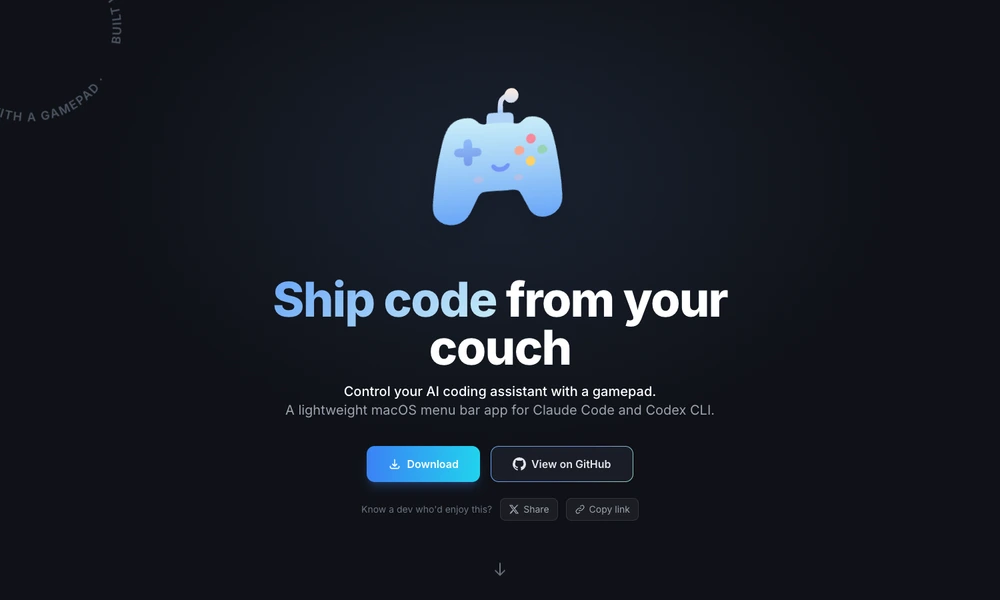
VibePad is a macOS menu bar application that maps a game controller to commands for coding assistants and desktop navigation. Users can accept or cancel suggestions, submit prompts, browse input history, and move between tabs without reaching for a keyboard. A voice-input shortcut can activate the user's preferred transcription tool.
Analog sticks control pointer movement and scrolling, while an additional button layer provides application switching and window commands. Smart Paste handles either text or images from the clipboard. Button mappings, sensitivity, dead zones, and layers can be adjusted through a JSON configuration. The app supports common PlayStation, Xbox, Nintendo, and other compatible controllers.
Tried it? Share a useful thought or ask a question.
Good conversations start with a hello.
Sign in to commentSearch your Mac and trigger actions from the keyboard.
Search apps, files, messages, and everyday context on your Mac.
Build a personal Mac menu bar for apps, links, and scripts
Access and combine common Mac settings from the menu bar
Launch Mac actions and workflows from a gesture-driven pie menu
Trigger Mac shortcuts with taps and gestures