Workbench
Control a Mac remotely from Apple devices and keep track of jobs running while you are away.
Control a paired Mac from iPhone with touch and AI assistance
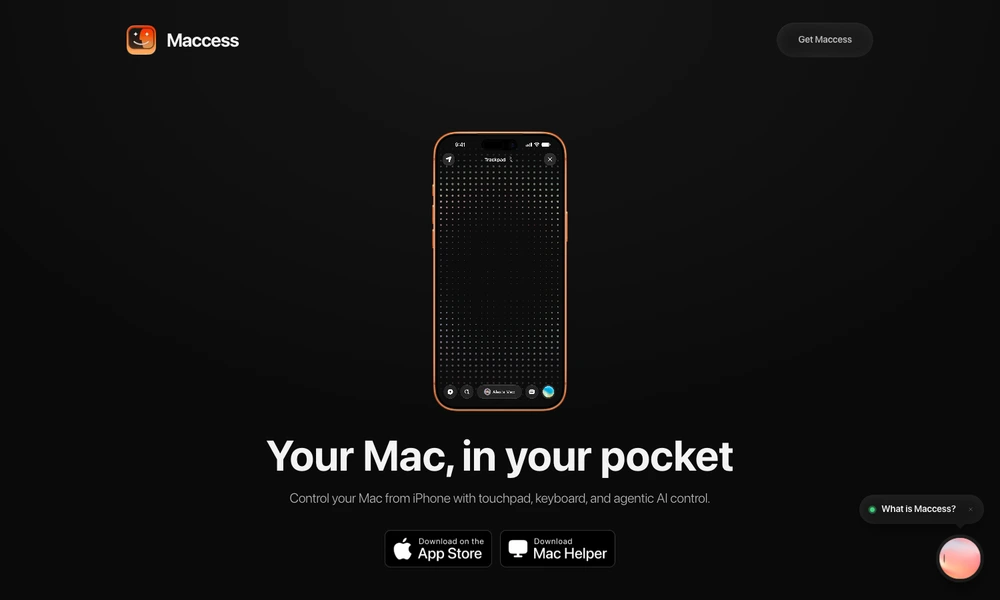
Maccess connects an iPhone to a Mac for remote control, screen viewing, and AI-assisted tasks. After installing the Maccess Helper on the Mac, users pair devices using a QR code or passcode. The phone can act as a touchpad and keyboard, control media, and manage the Mac's power state.
Paid plans extend the experience with internet access, multiple Macs, screen mirroring, file transfers, app controls, and terminal automations. Mackie, its AI assistant, accepts text requests and, on supported plans, voice instructions. Users can review proposed actions and keep related work in projects. Local control can operate over the same Wi-Fi network, while internet sessions require connectivity. The Mac must remain awake and run the Helper to accept a connection.
Tried it? Share a useful thought or ask a question.
Good conversations start with a hello.
Sign in to commentControl a Mac remotely from Apple devices and keep track of jobs running while you are away.
Control development tools and coding agents from an iPhone
Use windows from another Mac alongside your local apps
Control your Mac and check coding-agent work from an iPhone.
Access your Mac desktop and terminal from an iPhone
Connect distributed devices and cloud systems through software-defined networks