
Gubb
Keep notes, tasks, timers, and clipboard history in one desktop workspace
Keep notes, clipboard history, and reusable snippets close to your Mac workspace.
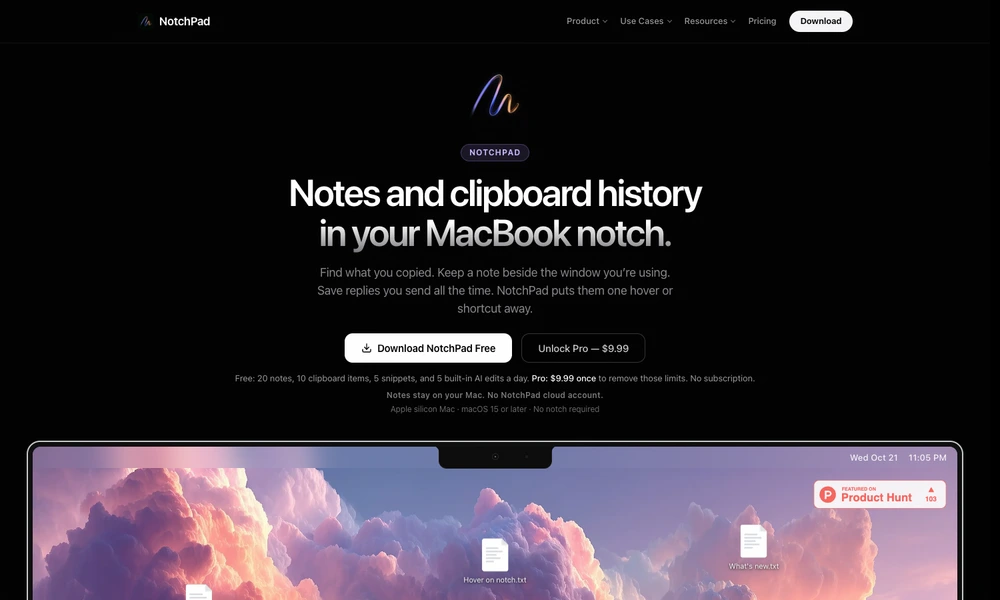
NotchPad places notes, clipboard history, and reusable snippets near the top of a Mac screen. Users open the panel with a hover or shortcut, search previously copied items, and keep rich notes with headings, images, tables, and checklists. Notes can also stay beside a particular window or browser page.
Folders organize projects, while imports bring text from supported documents into the workspace. Connections to AI applications can allow selected folders to be read or updated with permission. Optional editing features use Apple Intelligence on supported Macs. The app works on Apple silicon Macs with or without a notch and stores notes locally.
Tried it? Share a useful thought or ask a question.
Good conversations start with a hello.
Sign in to commentKeep notes, tasks, timers, and clipboard history in one desktop workspace
Arrange notes and files on a local canvas with optional AI research
Keep thoughts in one stream and bring useful notes back to the top
Capture short notes from the Mac menu bar and find them without leaving your workflow.
Organize notes and tasks in a native outline across Mac, iPhone, and iPad.
Keep quick notes and tasks at the edge of your Mac screen