
choclift
Use an iPhone or iPad as a shortcut and app control panel for Mac
Use an iPhone as a wireless control deck for a Mac
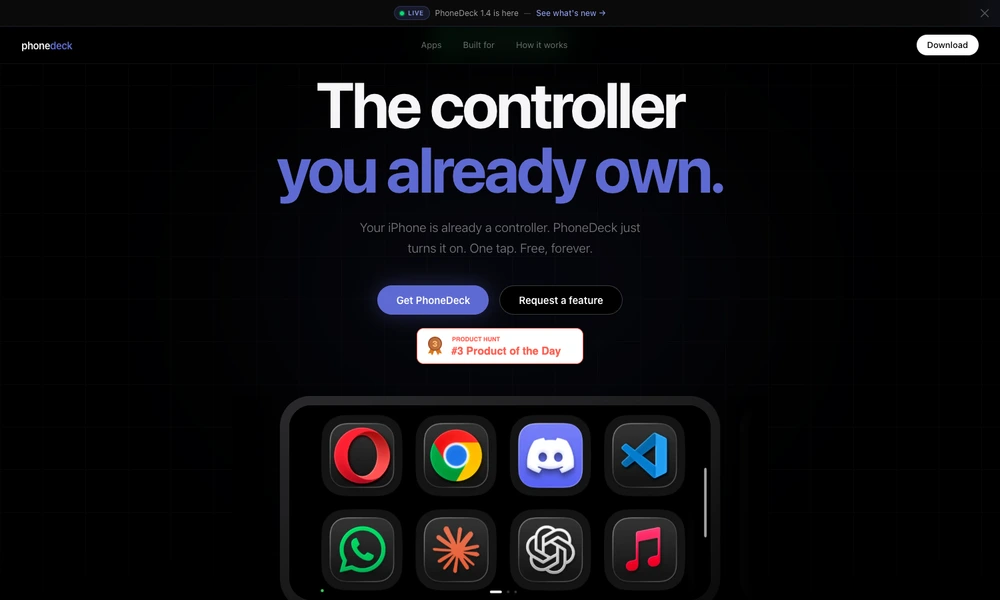
PhoneDeck turns an iPhone into a wireless control surface for a Mac. The Mac app organizes applications and system controls into pages of tiles, which appear on the phone. Tapping a tile can launch an application, trigger a shortcut, or adjust controls such as volume, brightness, media playback, and screenshots.
Both devices connect over the same local Wi-Fi network using Apple's Multipeer Connectivity. The workflow requires the companion apps, with Accessibility permission on the Mac for system controls. Current requirements are iOS 17 or later and macOS 14 or later; keyboard shortcuts require version 1.4 on both devices. Core features are free, and the Mac app is distributed directly while its Mac App Store release is planned.
Tried it? Share a useful thought or ask a question.
Good conversations start with a hello.
Sign in to commentUse an iPhone or iPad as a shortcut and app control panel for Mac
A faster way to move through your work.
Invoke AI skills and connected actions from a keyboard interface
Keep favorite websites close in customizable Mac widgets.
Run custom AI actions with keyboard shortcuts across macOS apps
Build a personal Mac menu bar for apps, links, and scripts