
Lumiko
Capture browser and desktop demos with automatic cursor zoom
Record and annotate screenshots locally in a Chromium browser
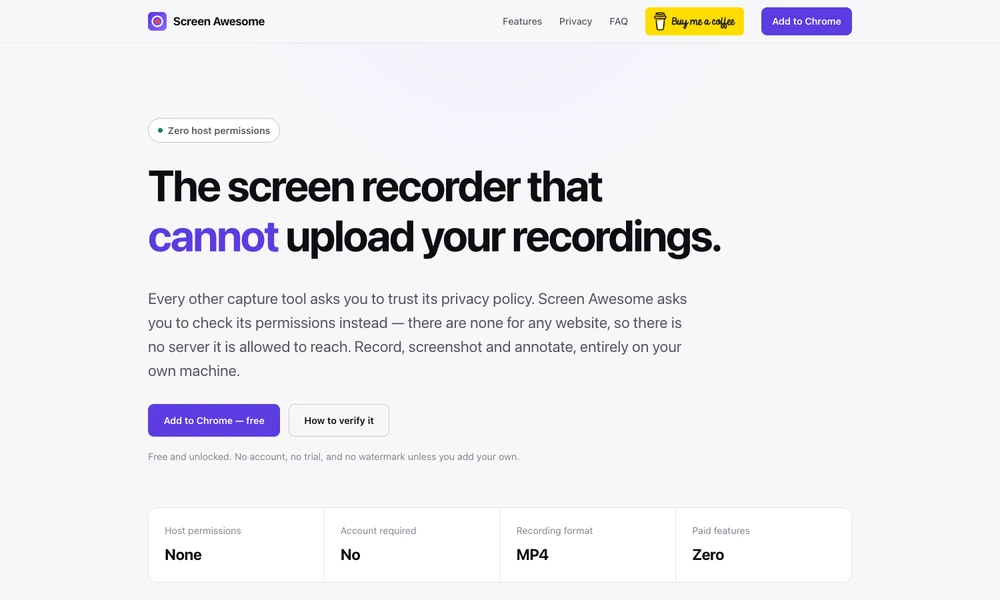
Screen Awesome combines screen recording, screenshots, and annotation in a browser extension. Users can capture a tab, screen, selected region, or full page, then add arrows, text, shapes, blur, and other editable marks. Recording tools include microphone and tab audio, a movable webcam view, and automatic zoom around clicks.
The extension is designed around local browser storage and does not require an account. It supports video exports including MP4 where Chrome supports recording that format, plus WebM and animated GIF. Screenshot exports include common image formats and PDF, with optional backgrounds, framing, and custom watermarks. The published requirements specify Chrome 116 or later, with compatibility for other Chromium-based browsers.
Tried it? Share a useful thought or ask a question.
Good conversations start with a hello.
Sign in to commentCapture browser and desktop demos with automatic cursor zoom
Capture screenshots and recordings, add annotations, and edit presentation effects in one desktop app.
Capture, annotate, record, and extract text from the Mac screen in one application.
Record, edit, and prepare media locally on a Mac.
Capture short screen recordings and screenshots from the Mac notch.
Record, edit, and share screen videos with transcripts and developer logs