

Capso
Capture, annotate, record, and extract text from the Mac screen in one application.
Capture screenshots and recordings, add annotations, and edit presentation effects in one desktop app.
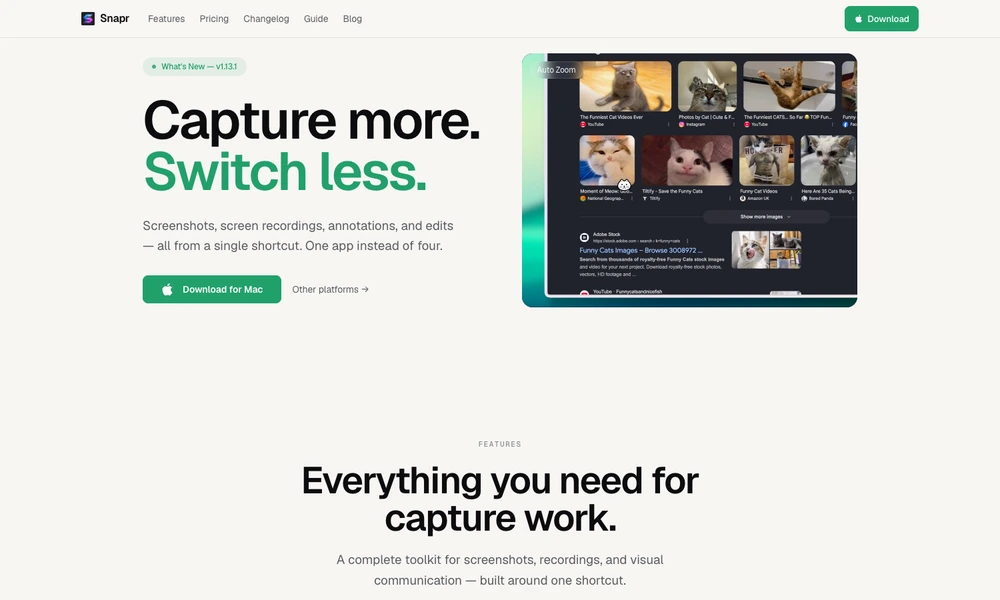
Snapr combines screenshots, screen recordings, annotation, and editing on macOS and Windows. A shortcut opens capture options for a region, window, or full screen, with system audio and microphone recording available. Scroll capture stitches longer pages or app content into a single image or PDF.
The editor adds text, arrows, shapes, numbering, magnification, and pixelation to visual explanations. Backgrounds, padding, shadows, camera overlays, cursor treatments, and zoom effects help prepare demonstrations or tutorials. Recording effects can be adjusted afterward without capturing again. Presets and capture history support repeat work, while exports include video and GIF formats and optional Dropbox sharing links.
Tried it? Share a useful thought or ask a question.
Good conversations start with a hello.
Sign in to commentCapture, annotate, record, and extract text from the Mac screen in one application.
Record, edit, and prepare media locally on a Mac.
Record screens, webcam video, and audio for tutorials and presentations.
Mirror Apple devices on a Mac for demonstrations and recordings.
Record Windows demos with automatic zooms, smooth cursors, and local export
Record Mac screen demos with automatic zoom and smooth cursor motion.