
Retina
Polish Mac screen recordings with automatic zoom and cursor motion
Give your screen recordings smooth, readable motion.
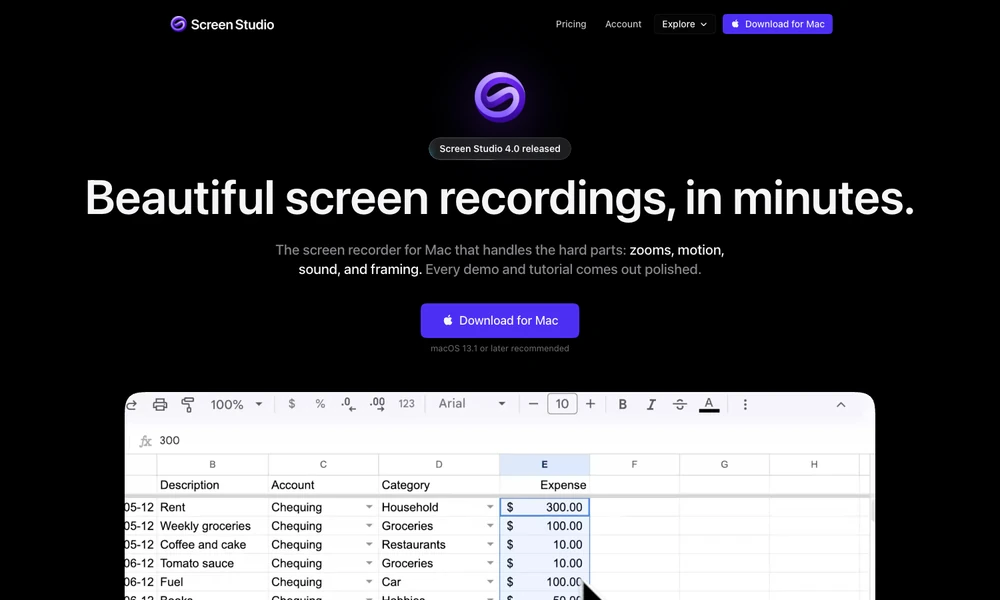
Screen Studio records your Mac screen and turns the recording into a video with adjustable zooms and camera layouts. It uses clicks and other recorded actions to suggest close-ups, then lets you choose which moments need attention on the timeline. You can record webcam and audio alongside the screen, switch between presenter layouts, and adjust cursor motion or click effects.
Framing tools keep interface details visible around the webcam. Camera cutouts and face tracking run on the Mac, while export settings prepare versions for different formats. It is useful for explaining a product or teaching a workflow where viewers need to follow small on-screen actions.
Tried it? Share a useful thought or ask a question.
Good conversations start with a hello.
Sign in to commentPolish Mac screen recordings with automatic zoom and cursor motion
Record and edit Mac product demonstrations with synchronized camera and screen tracks.
Record screen demos with automatic zooms and editable camera moves
Turn a screen recording into a video worth sharing.
Record Mac screen demos with automatic zoom and smooth cursor motion.
Record and refine screen videos on Apple Silicon Macs