

SimCockpit
Control common Xcode Simulator tasks from a floating toolbox.
Test iOS camera features with a virtual feed from your Mac
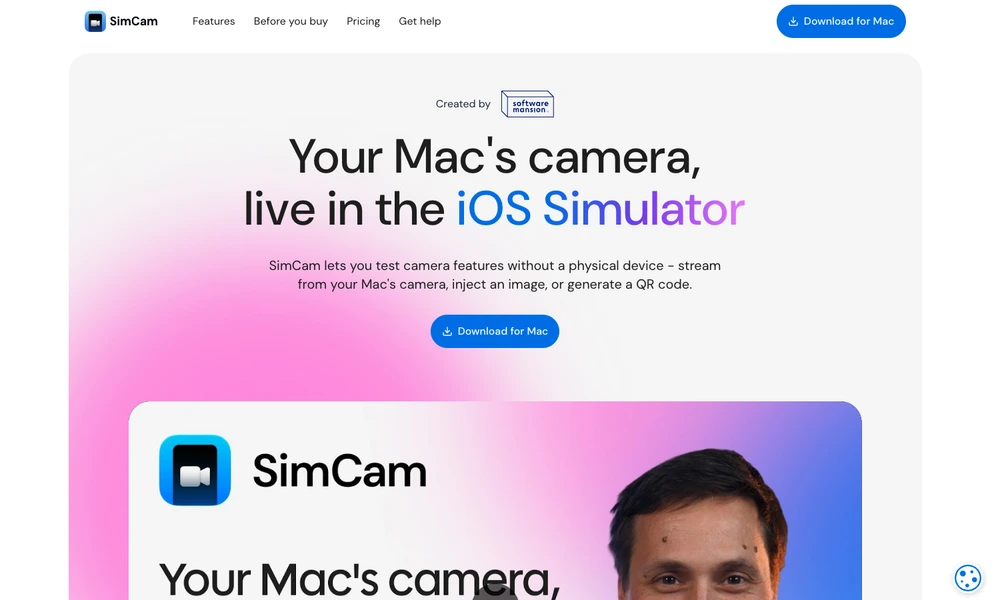
SimCam brings camera input to the iOS Simulator through a Mac application. Developers can stream their Mac's camera, supply an image or video, or generate a QR code for the simulated device to read. It works through standard AVFoundation camera interfaces, allowing supported apps to be tested without adding a separate camera-testing implementation.
A command-line interface can switch sources and expose diagnostics for automated development workflows. This makes it useful for checking scanning interfaces, camera previews, and other camera-dependent flows while working on a computer. Compatibility depends on the simulator environment and camera features involved; headless and parallel cloud or CI use require the corresponding license.
Tried it? Share a useful thought or ask a question.
Good conversations start with a hello.
Sign in to commentControl common Xcode Simulator tasks from a floating toolbox.
Build and deliver React Native applications
Build native mobile apps with AI and visual tools
Translate Xcode string catalogs with app context, glossary rules, and length limits.
Build native mobile interfaces with TypeScript and native APIs
Build native Apple apps and manage launch and growth workflows