
Seagull
Translate desktop audio and face-to-face conversations into live subtitles.
Translate live speech while keeping your own voice in the conversation.
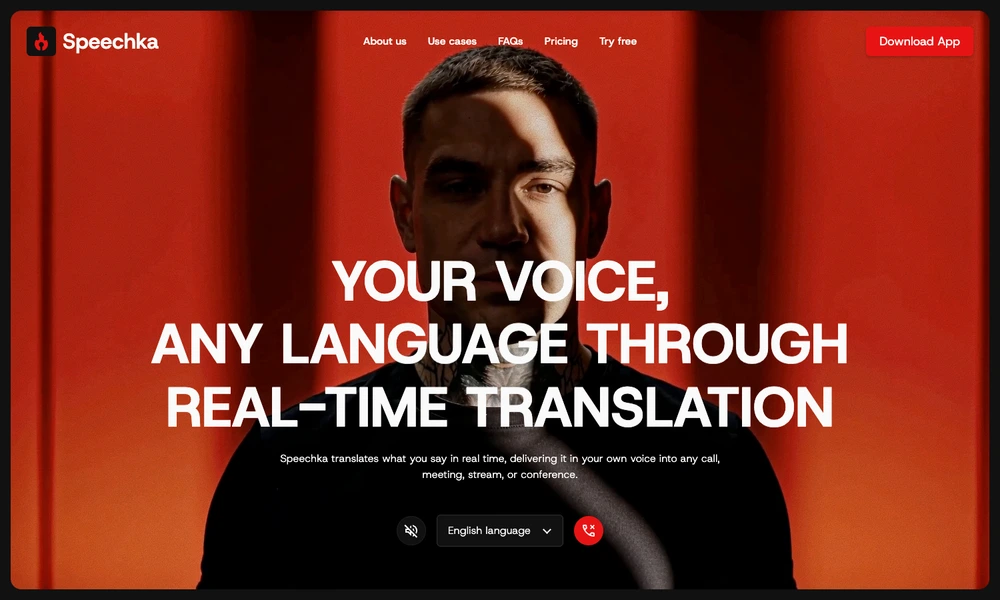
Speechka translates spoken conversation in real time for calls, meetings, presentations, and livestreams. Users choose the input and output languages, create a personal voice from a short recording, and start speaking. Translated sentences are played in sequence using that voice, so a conversation can continue through audio rather than relying only on captions.
The app supports translation between many languages and is designed to work with existing communication tools. A browser demo lets users try the voice workflow before installing the app. Speechka handles pauses and sentence boundaries as part of playback, with a trial and credit-based subscription options for different amounts of translation time.
Tried it? Share a useful thought or ask a question.
Good conversations start with a hello.
Sign in to commentTranslate desktop audio and face-to-face conversations into live subtitles.
Chat across languages with automatic text and voice translation
Translate spoken conversations and meetings in real time
Live meeting translation, transcripts, and searchable conversation records
Translate voice calls and messages across languages
Start bilingual chats through a shared QR invitation