
Knucklebop
Turn taps on your MacBook into app-specific shortcuts
Control your Mac with trackpad edge gestures and corner shortcuts
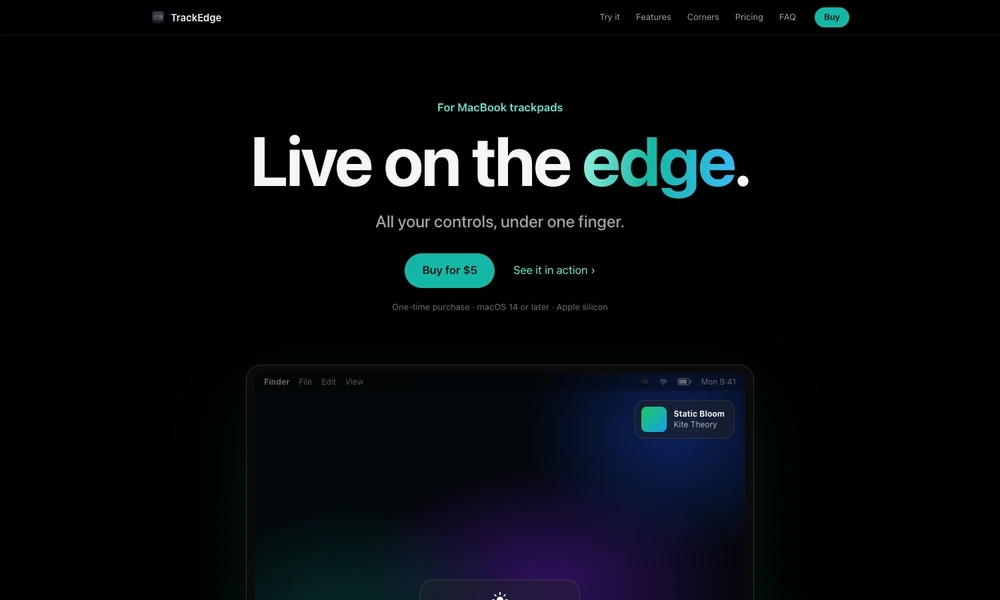
TrackEdge turns the edges and upper corners of a Mac trackpad into controls for everyday actions. Sliding along an edge adjusts volume or display brightness, while gestures along the bottom control media playback. A double-tap in either top corner can mute audio, open an app or website, send a keyboard shortcut, or run an action from Apple's Shortcuts app. The center of the trackpad keeps its usual behavior. Settings let you choose actions, swap sides, adjust gesture sensitivity and edge width, or require a modifier key. Haptic feedback helps communicate each adjustment. TrackEdge runs from the menu bar on Apple silicon Macs with macOS 14 or later and supports built-in Force Touch trackpads and Magic Trackpad.
Tried it? Share a useful thought or ask a question.
Good conversations start with a hello.
Sign in to commentTurn taps on your MacBook into app-specific shortcuts
Launch Mac actions and workflows from a gesture-driven pie menu
Trigger Mac shortcuts with taps and gestures
Control Mac volume and brightness from your trackpad edges
Trigger Mac shortcuts and app actions with mouse or trackpad gestures.
Build a personal Mac menu bar for apps, links, and scripts