

ntsc-rs
Apply analog television and VHS effects to video
Extract and organize video frames directly in your browser
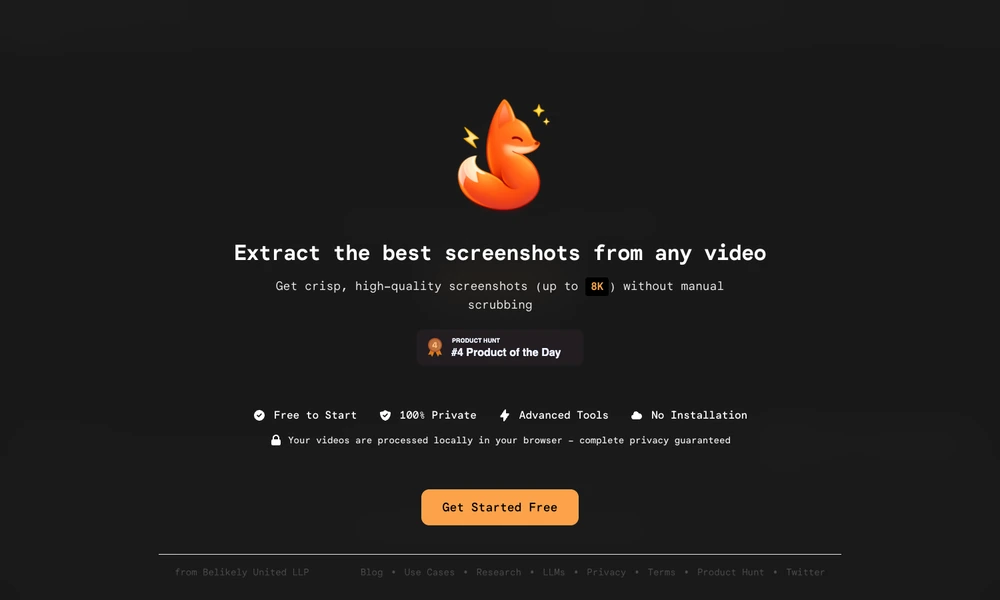
VideoToScreenshots extracts still images from videos in a browser, with files processed locally. Users can open common video formats, capture individual frames, or use automatic extraction to collect screenshots without manually searching through the entire recording. The service advertises output up to 8K, depending on the source video.
A timeline organizes captured frames, with tools to identify duplicates, delete unwanted results, and download the selection. Keyboard shortcuts cover opening files, taking screenshots, playback, and automatic extraction. VideoToScreenshots is useful for turning recordings into visual references, documentation images, or material for a subsequent editing workflow, without installing a separate desktop application.
Tried it? Share a useful thought or ask a question.
Good conversations start with a hello.
Sign in to commentApply analog television and VHS effects to video
Edit talking-head recordings and product videos through Claude Code.
Direct AI-assisted video edits through a story graph and editable timeline
Build automated video-editing workflows and motion graphics
Build editable motion videos with your coding agent
Create a first video cut from spoken footage, then refine it in the timeline.