

Faraday
Organize Gmail and Outlook with intelligent categories and clearer threads
Create and manage a professional email signature
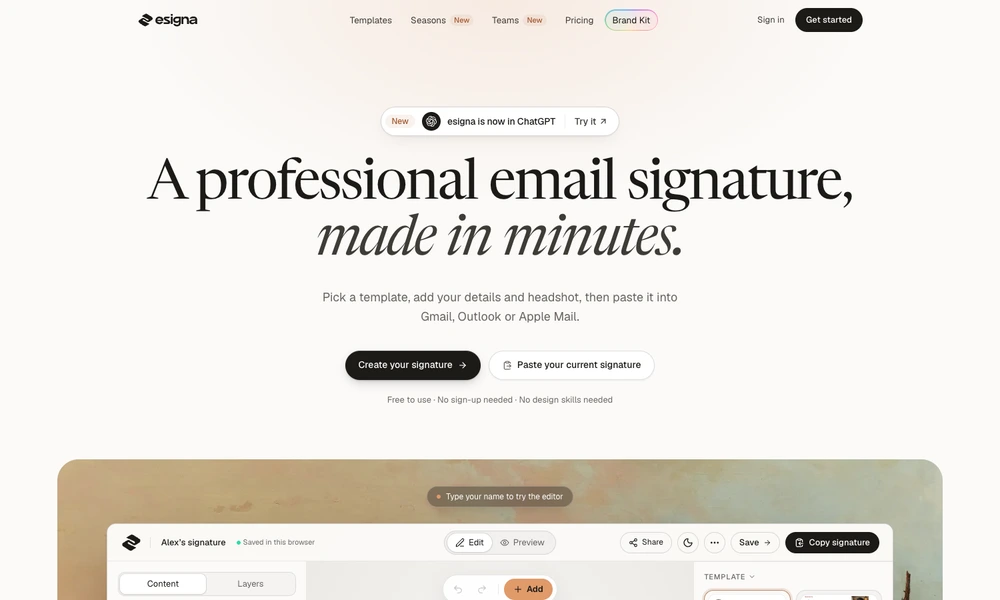
esigna helps people create an email signature using editable templates. Add professional details, links, a photo or company logo, choose typography and colors, then preview the result before copying it into an email client. Supported workflows cover services such as Gmail, Outlook and Apple Mail. An import option can use an existing signature as the starting point, preserving its details while changing the presentation. The browser editor lets users try the basic process without an account, with additional paid and team features available. It is useful for bringing a consistent identity and clear contact links to everyday business email.
Tried it? Share a useful thought or ask a question.
Good conversations start with a hello.
Sign in to commentOrganize Gmail and Outlook with intelligent categories and clearer threads
Organize email and collaborate with an AI-assisted inbox
AI summaries, triage, and replies for your existing inbox
Give AI agents mailboxes for sending, receiving, and replying
Organize unwanted Gmail messages with categories and filters
An email and calendar app with configurable AI workflows