

HyperCaps
Turn Caps Lock into a configurable shortcut modifier with tap, hold, and navigation actions.
Watch Mac folders and organize files with rules
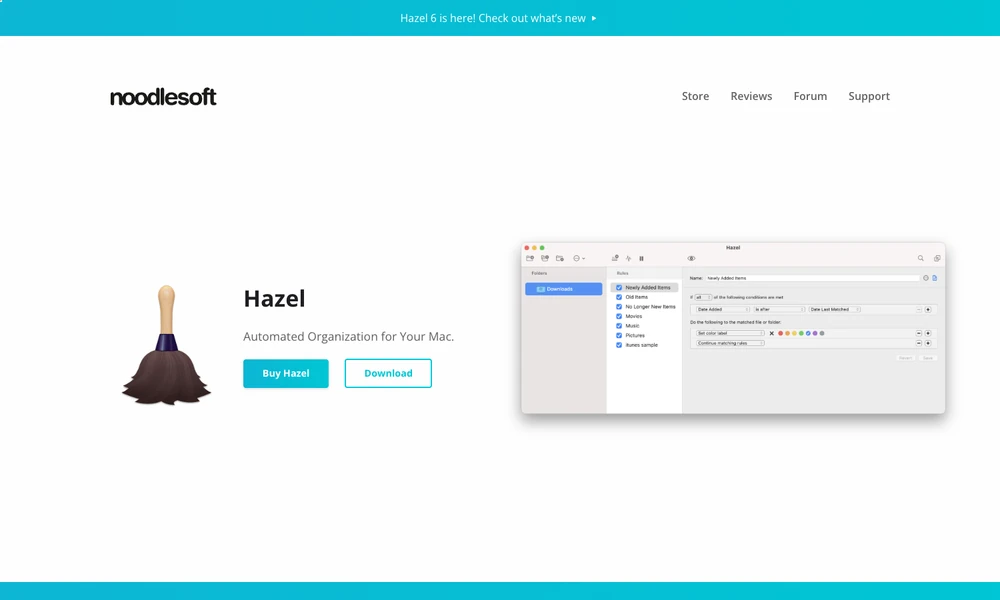
Hazel watches selected folders on a Mac and acts on files that meet your rules. Conditions use details such as a name, type, date, or source website. A matching file can be renamed, moved into a subfolder, tagged, opened, archived, or uploaded. Pattern matching combines those conditions into a workflow for bills, downloads, or other recurring files. Shortcuts, AppleScript, and Automator extend the actions beyond filing. Separate cleanup rules manage old or oversized trash contents. App Sweep finds associated support files when an application is removed and offers to discard them, keeping that decision available for review.
Tried it? Share a useful thought or ask a question.
Good conversations start with a hello.
Sign in to commentTurn Caps Lock into a configurable shortcut modifier with tap, hold, and navigation actions.
Automate repeated Mac actions with reusable macros.
Connect everyday apps with simple automated actions.
Turn desktop work patterns into reusable knowledge and background automation
Carry out everyday Mac tasks with plain-language requests
A desktop AI assistant for daily briefs and repeatable business tasks