

Wring
Keep offline developer utilities in the Mac menu bar
Dictate into any Mac app with speech recognition on your device
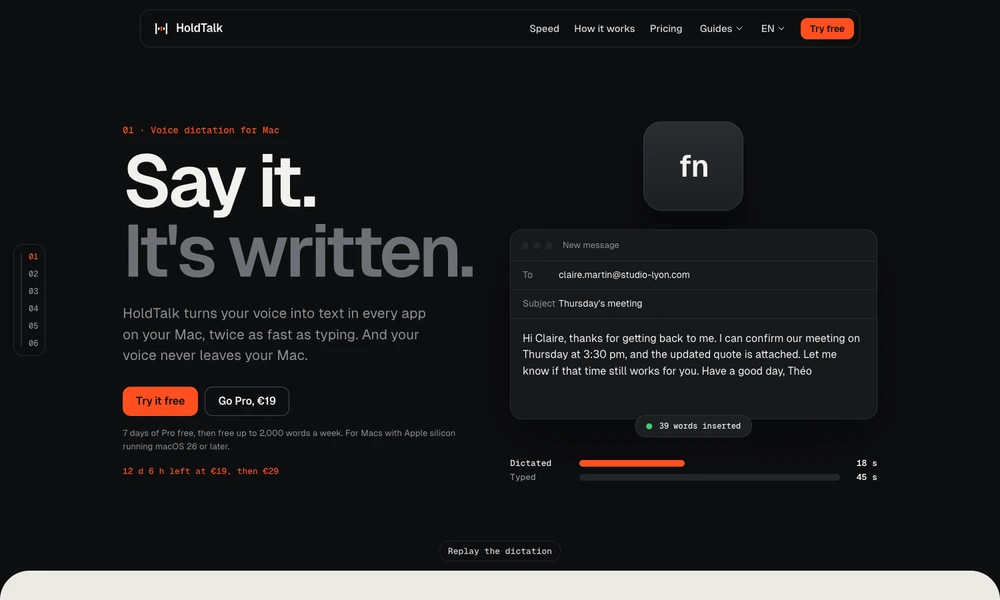
HoldTalk converts speech into text wherever you can type on your Mac. Hold the fn key, speak normally, and release it to insert the result into an email, document, or chat. A hands-free mode supports longer passages, and the app handles punctuation while preserving the clipboard after pasting.
Speech recognition runs on the Mac using Apple’s dictation technology, without an account or cloud transcription service. Recent texts remain available locally so you can recover a dictation that landed in the wrong place. The app supports English, French, and Spanish on Apple silicon Macs running macOS 26 or later. A free tier follows an initial unlimited trial, and a one-time Pro license removes the weekly word limit.
Tried it? Share a useful thought or ask a question.
Good conversations start with a hello.
Sign in to commentKeep offline developer utilities in the Mac menu bar
Clean copied text formatting locally before pasting into Mac apps
Recall text, files, and searchable screenshots from the edge of your Mac screen.
Search Mac clipboard history and text recognized inside saved screenshots.
Find reusable text with a hotkey and insert it into the app you are using.
Save copied content and find it across devices by describing what you remember.