

statusbar
Keep live information visible beneath your terminal session
Install and manage software on macOS, Linux, and WSL
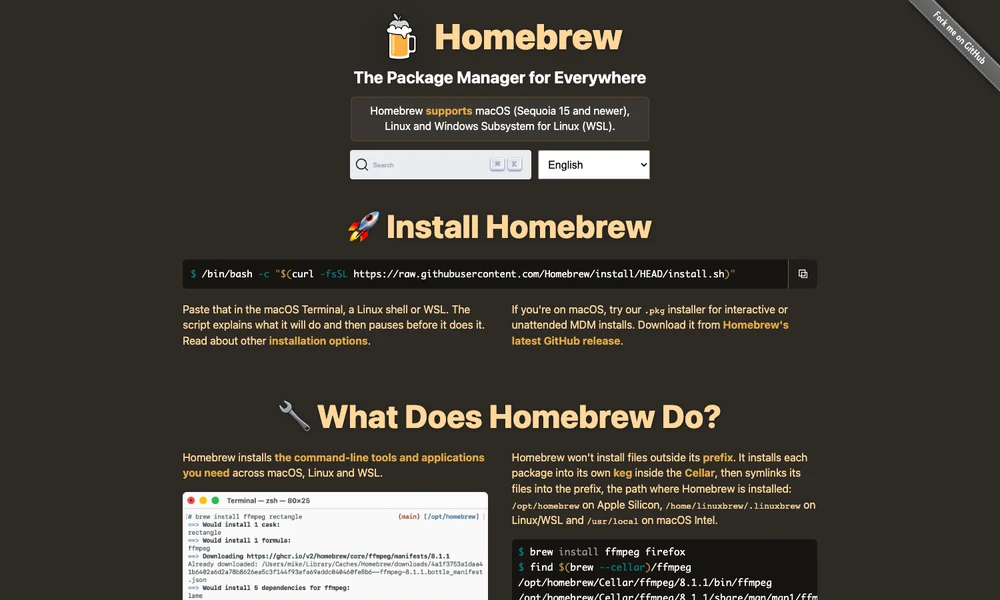
Homebrew is a package manager for macOS, Linux, and Windows Subsystem for Linux. It lets users install command line tools, libraries, and applications from the terminal, with commands for finding packages, viewing their details, and keeping installed software up to date. Formulae describe how to build and install tools, while casks install prebuilt applications, fonts, and other software distributed by their publishers.
Homebrew manages packages in its own installation directory and handles the dependencies needed by each tool. Users can add further package repositories, called taps, when software is not in the main collections. Homebrew Bundle records a project's or machine's software requirements in a Brewfile, making it easier to set up another environment and install missing packages with one command.
Tried it? Share a useful thought or ask a question.
Good conversations start with a hello.
Sign in to commentKeep live information visible beneath your terminal session
A native terminal with GPU rendering and extensive configuration
Set usage limits for Claude Code and Codex sessions
A customizable terminal emulator for macOS
Combine a native Mac terminal with visual tools for everyday development.
Arrange terminals and coding agents on a shared canvas