

ZoneShare
Share and annotate a selected region of your Mac screen.
Control which parts of a Mac desktop remain visible while presenting or sharing the screen.
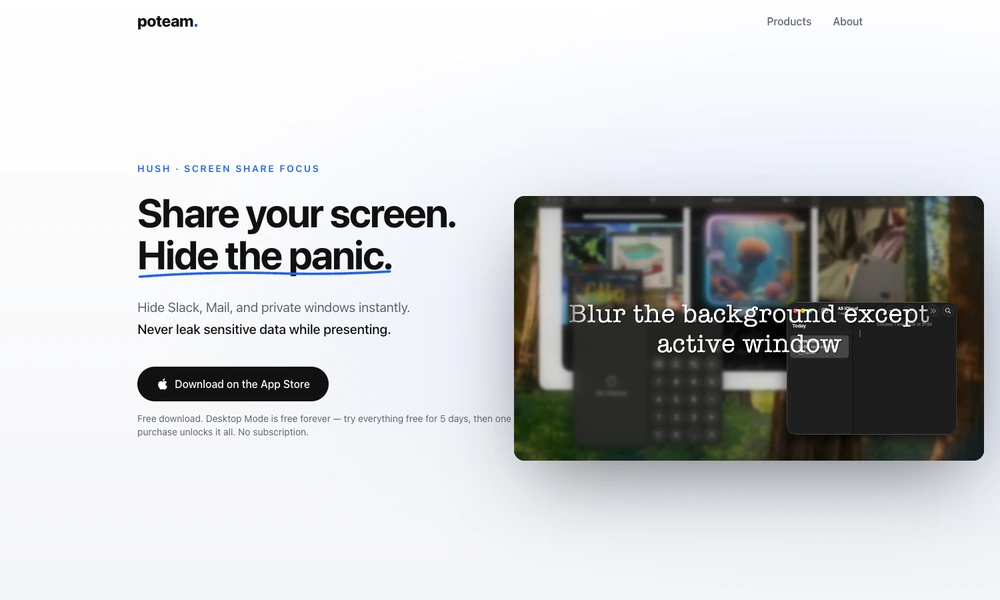
Hush helps Mac users prepare their screen for presentations and screen sharing. Desktop Mode blurs or replaces the desktop background, icons, and widgets while leaving application windows visible. Focus Mode keeps the active window or selected applications in view and dims the surrounding workspace.
A Cursor Focus mode highlights the area around the pointer for demonstrations. Controls are available from the menu bar and through a hotkey, with automatic activation when screen sharing starts. Desktop Mode is free, while the additional modes can be tried before a one-time purchase. The app provides visual presentation controls that users can configure for the material they intend to share.
Tried it? Share a useful thought or ask a question.
Good conversations start with a hello.
Sign in to commentShare and annotate a selected region of your Mac screen.
Annotate, highlight, and magnify your screen during presentations
Keep annotated screenshot references above your Mac windows
Organize, redact, and share Mac screenshots from the menu bar
Capture and annotate Windows screens with built-in design utilities
Queue Mac screenshots, annotate them, and paste a batch with one command.