

CleanShot X
Capture, annotate, and share your Mac screen
Queue Mac screenshots, annotate them, and paste a batch with one command.
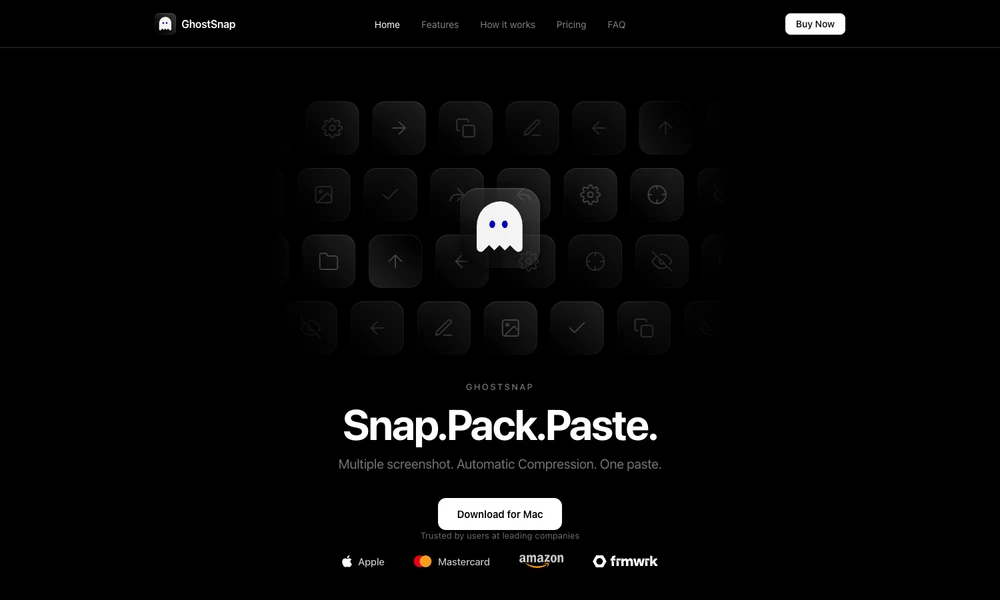
GhostSnap collects screenshots taken with the standard macOS shortcuts into a temporary queue. After capturing several images, a user can paste the batch together instead of repeatedly switching between capture and paste actions. The app watches the configured screenshot folder and compresses images in the background.
An optional review window provides highlights, arrows, circles, and text labels before the images enter the clipboard. A separate region selection extracts text through on-device OCR, with multiple selections available for a combined paste. Processing takes place on the Mac. The app requires the relevant Accessibility and Screen Recording permissions for its capture and clipboard workflow.
Tried it? Share a useful thought or ask a question.
Good conversations start with a hello.
Sign in to commentCapture, annotate, and share your Mac screen
Capture screens and turn a sequence of clicks into an illustrated guide
Capture and annotate screens for design feedback, bug reports, and coding agents.
Turn spoken feedback and screenshots into plans for coding agents
Frame, annotate and redact screenshots on a Mac
Capture, annotate, and style screenshots locally on your Mac.