
SnapDraw
Keep annotated screenshot references above your Mac windows
Capture and annotate Windows screens with built-in design utilities
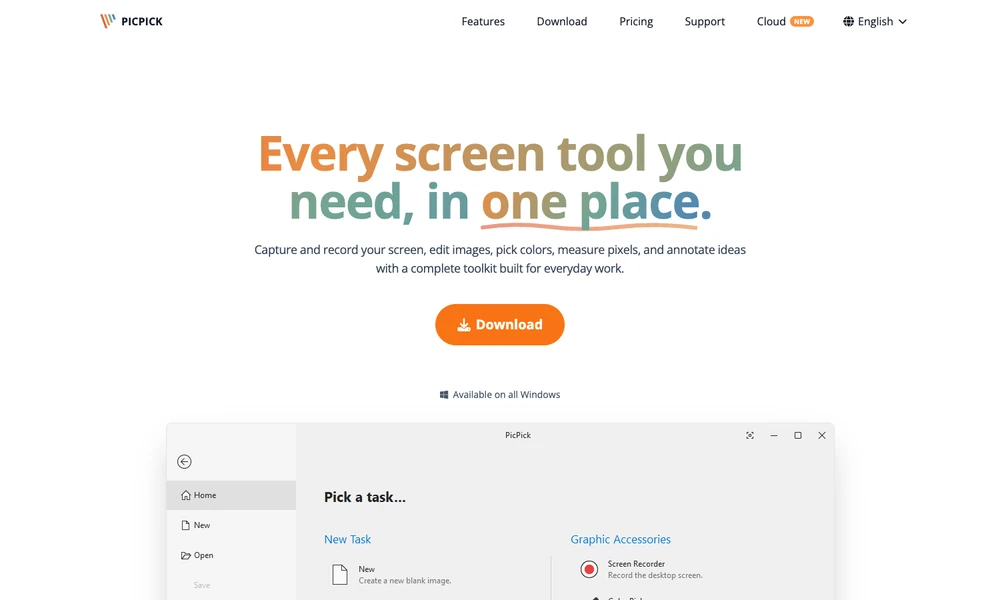
PicPick captures and records a Windows screen, then provides tools for editing and annotating the result. Capture modes include a full screen, window, scrolling page, or selected region. Recordings can include system and microphone audio, while the editor adds text, arrows, callouts, blur, or other effects.
Color picking, a pixel ruler, magnifier, protractor, and screen whiteboard support further visual inspection. Hotkeys, automatic filenames, and multi-monitor options configure repeated capture work. Users can save the finished material locally or send it through supported sharing destinations, preparing an annotated explanation, tutorial, or interface issue from the captured image or recording.
Tried it? Share a useful thought or ask a question.
Good conversations start with a hello.
Sign in to commentKeep annotated screenshot references above your Mac windows
Capture and annotate Windows screenshots for reports and documentation
Turn screenshots and annotations into structured context for coding agents
Frame, annotate and redact screenshots on a Mac
Capture, annotate, and style screenshots locally on your Mac.
Capture screenshots and annotate them with a configurable desktop tool