

SciSummary
Summarize papers, interpret figures, and organize a research library
Search for specific moments inside YouTube videos
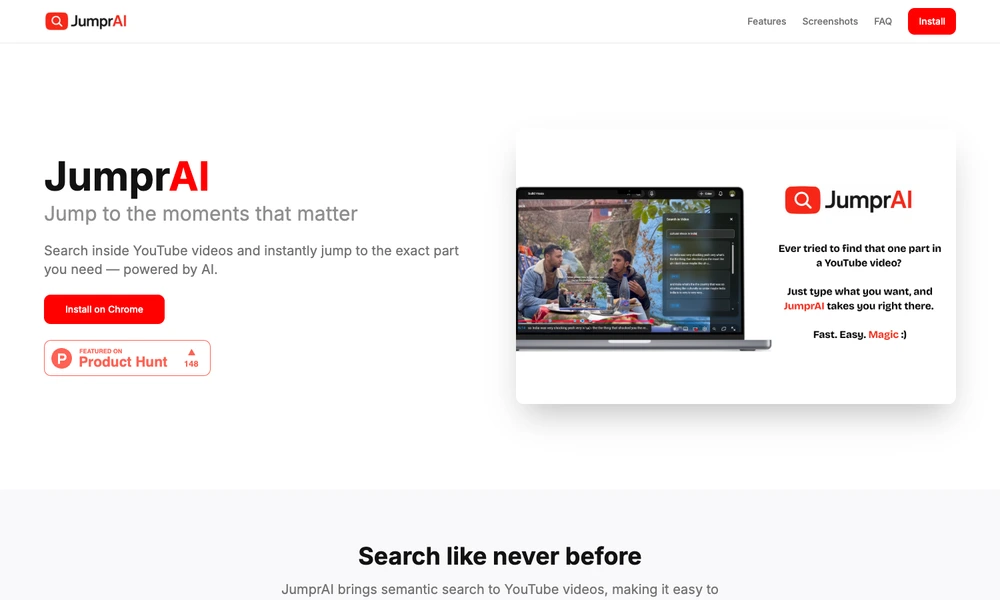
JumprAI adds semantic search to YouTube through a Chrome extension. After opening a video, users click the search control in the player and describe the moment or topic they want to find. Results link to relevant timestamps, letting them move directly to a section instead of repeatedly scrubbing through the timeline.
The tool works with video transcripts and is designed for both short clips and longer material such as lectures, interviews, and tutorials. Searching by meaning can help when a viewer remembers the subject but not the exact wording. JumprAI is useful for revisiting an explanation, finding a quoted idea, or navigating a lengthy recording.
Tried it? Share a useful thought or ask a question.
Good conversations start with a hello.
Sign in to commentSummarize papers, interpret figures, and organize a research library
Find and compare evidence from scientific papers
Give AI agents structured search results across information sources
Turn coding agents into research assistants that run experiments
Bring the people and sources you follow into your AI research context
Research sources and files to produce cited reports, spreadsheets, charts, and presentations.