

TinyFolder
Group Mac apps into custom folders that open from the Dock
Find and remap the keyboard shortcuts in your current Mac app
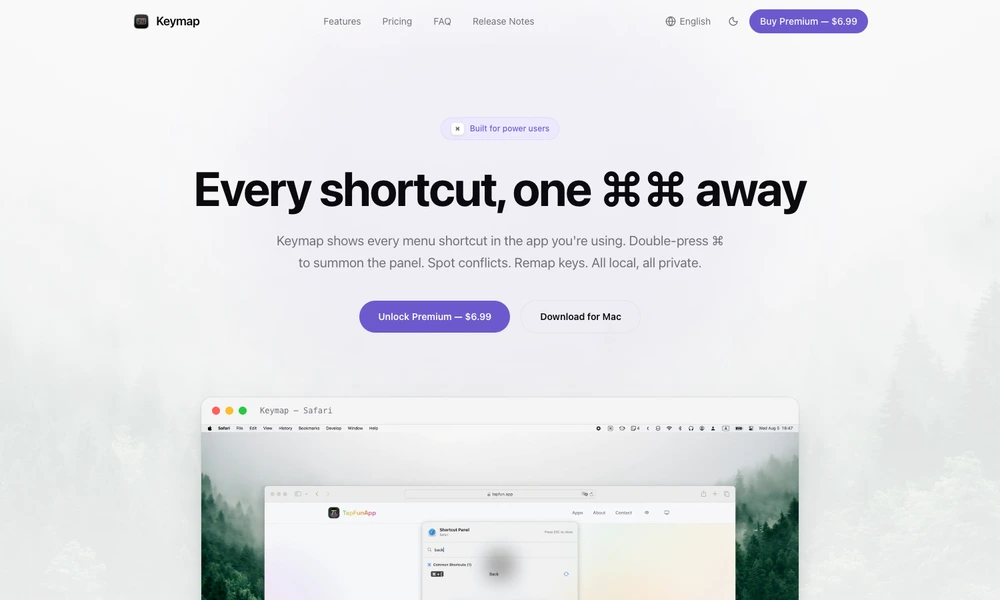
Keymap displays the keyboard shortcuts available in the Mac application currently in use. Double-press a modifier key to open a searchable panel populated from the app's native menu bar. This gives users a reference at the moment they need it without maintaining a manual shortcut list.
Conflict detection compares visible menu shortcuts with the user's own remapping rules. Premium features add usage statistics and custom remapping for a specific application or across the system.
The tool stores its data locally and requires accessibility permission to read menus and detect key activity. Applications with fully custom menus may expose fewer shortcuts than those using standard macOS menus.
Tried it? Share a useful thought or ask a question.
Good conversations start with a hello.
Sign in to commentGroup Mac apps into custom folders that open from the Dock
Use an iPhone as a wireless control deck for a Mac
Keep favorite websites close in customizable Mac widgets.
Run custom AI actions with keyboard shortcuts across macOS apps
A faster way to move through your work.
Arrange Mac apps in a visual launcher with folders and spaces