

Ollama
Run open AI models on your own computer.
Run local AI models and use them for work and code
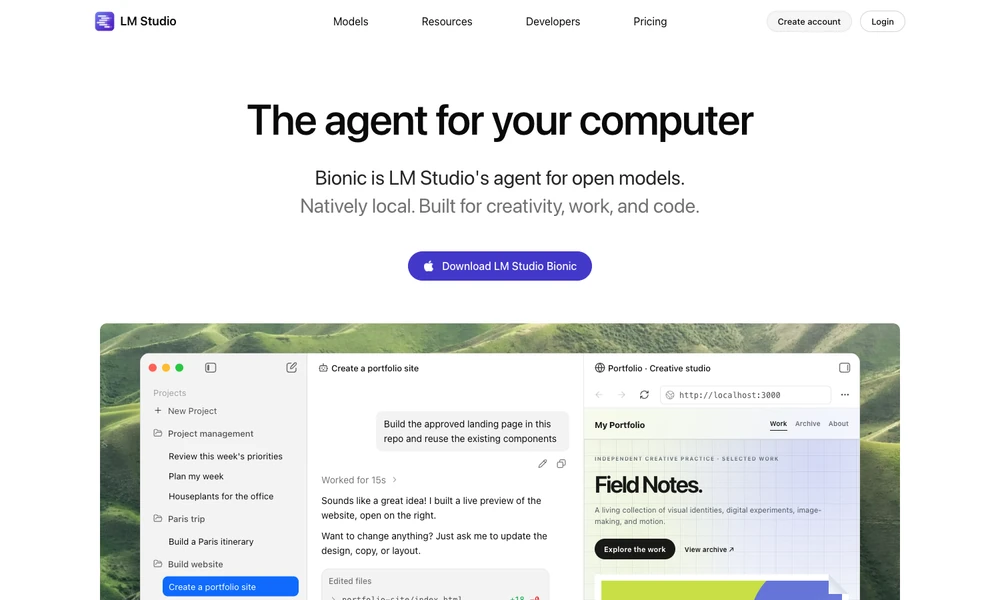
LM Studio runs supported AI models on a computer through a desktop app. Download a model inside the application and use it for a chat or a task with Bionic, its agent for documents, code, automation, and computer work. Local inference uses the LM Studio runtime, including MLX and llama.cpp.
Voice transcription is processed on the device. Hosted model choices add a cloud route for tasks using those services, so where processing happens depends on the selected configuration. Command-line tools and software libraries let developers work with the runtime outside the app, connecting model access with their own code and workflows.
Tried it? Share a useful thought or ask a question.
Good conversations start with a hello.
Sign in to commentRun open AI models on your own computer.
Chat with local AI models and documents on your computer
Use local and cloud models in an open-source chat app.
Run supported language models locally on Apple Silicon
A private AI workspace for models, reusable prompts, and personal knowledge
A self-hosted interface for local and cloud AI models