

Tidy
Correct selected text through a Mac keyboard shortcut
Draft text from the context around your cursor with a double-tap.
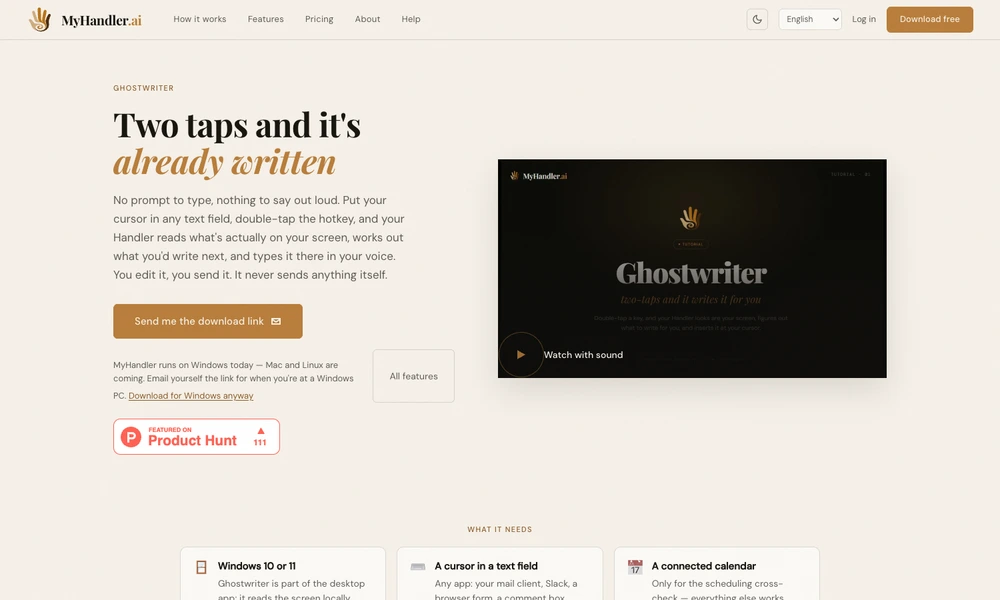
Ghostwriter is a Windows writing feature within MyHandler that uses the screen around the cursor as context. Double-tapping its hotkey in a text field asks it to draft a reply, continue a sentence, or answer a visible question. Selecting existing text lets the same action rewrite that selection.
The feature captures context on the computer and sends assembled information to a cloud model to generate the draft. With a calendar connected, proposed meeting times can be cross-checked against upcoming availability. Text appears in the active field for the user to review and edit. Ghostwriter leaves sending to the user and works across applications with ordinary text inputs.
Tried it? Share a useful thought or ask a question.
Good conversations start with a hello.
Sign in to commentCorrect selected text through a Mac keyboard shortcut
Translate, rewrite, and dictate text where your cursor is
Edit and dictate with reusable AI writing actions across Mac and iPhone
Complete words and sentences locally across Mac text fields
Get local AI sentence suggestions across Mac applications
Complete writing across Mac apps using on-screen context