

Yarn
Manage JavaScript dependencies and workspaces from the terminal
Discover, install, and publish JavaScript packages
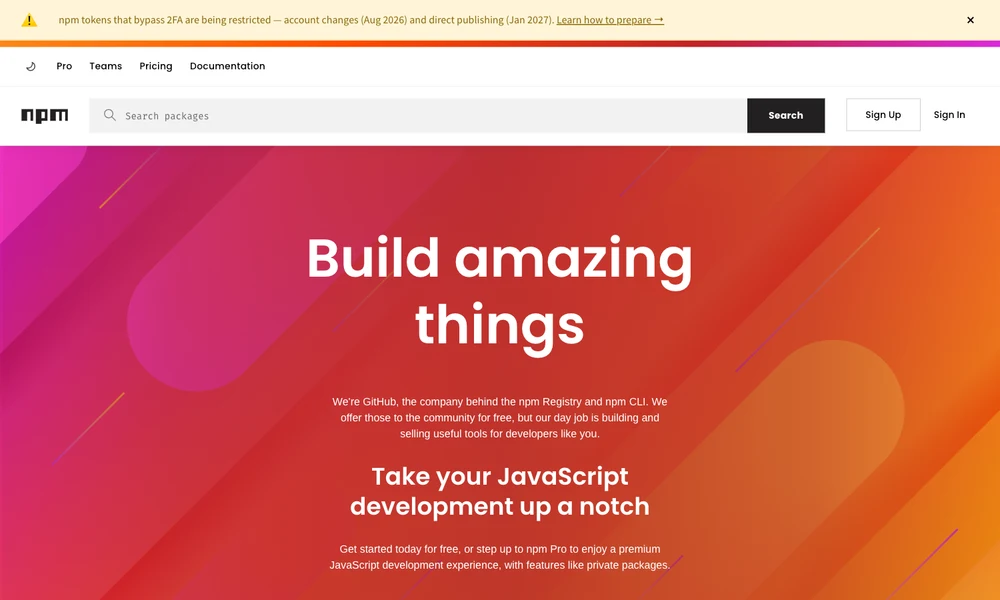
npm is a package registry and command line toolset for discovering, installing, and publishing JavaScript software. Developers use the website to find libraries and tools, inspect package information, and choose code to reuse in their own projects. The npm CLI installs dependencies from the registry, manages their versions, and runs project commands defined in a package.json file.
A project's package.json records its dependencies and scripts, while the lockfile captures the exact dependency tree to help reproduce installations across development environments. Developers can publish reusable packages for others to install, or use private packages to share code with selected collaborators. Organizations and teams provide controls for managing package access and coordinating maintenance across a group.
Tried it? Share a useful thought or ask a question.
Good conversations start with a hello.
Sign in to commentManage JavaScript dependencies and workspaces from the terminal
A unified command-line toolchain for web development
Set usage limits for Claude Code and Codex sessions
Keep project tasks, decisions, and context available to developers and coding agents.
Install and maintain shared skills across AI coding agents
Share a live coding-agent terminal with collaborators through a short code or browser link.