

Hotspot Meter
Track network data usage and receive limit alerts from the Mac menu bar.
Understand thermal pressure and heavy workloads on a fanless MacBook Air.
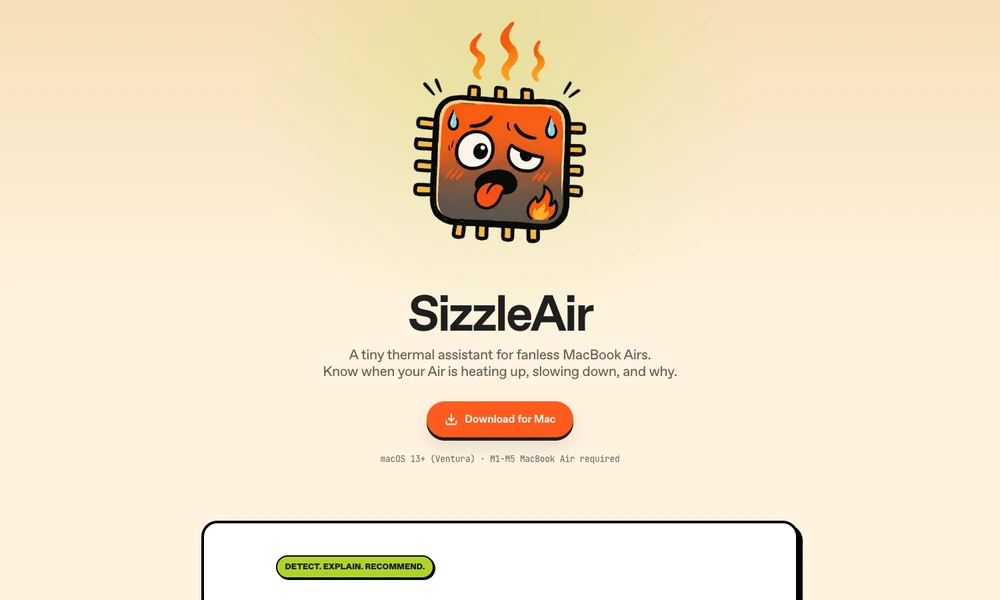
SizzleAir is a menu-bar utility for understanding heat and thermal pressure on a fanless MacBook Air. It combines macOS thermal signals with CPU workload, display connections, lid state, and recent trends. The interface explains the current situation and suggests a practical step, such as pausing a demanding process or opening the lid.
A recent timeline and daily summary put short spikes into context, while notifications can draw attention to sustained pressure. The app requires a supported Apple Silicon MacBook Air and macOS Ventura or later. It provides monitoring and guidance rather than changing system cooling behavior or taking control of the computer.
Tried it? Share a useful thought or ask a question.
Good conversations start with a hello.
Sign in to commentTrack network data usage and receive limit alerts from the Mac menu bar.
Review running Mac apps and quit selected groups from the menu bar.
Pause Mac keyboard input when cat-like key patterns appear
Monitor Mac resource usage, temperatures, network activity, and battery health from the menu bar.
Maintenance and configuration tools for macOS
Control each Mac app’s audio from the menu bar