
Dina
Turn Mac screen recordings into edited demos with automatic motion
Record Mac demos with automatic zoom, transcript editing, and screenshot tools
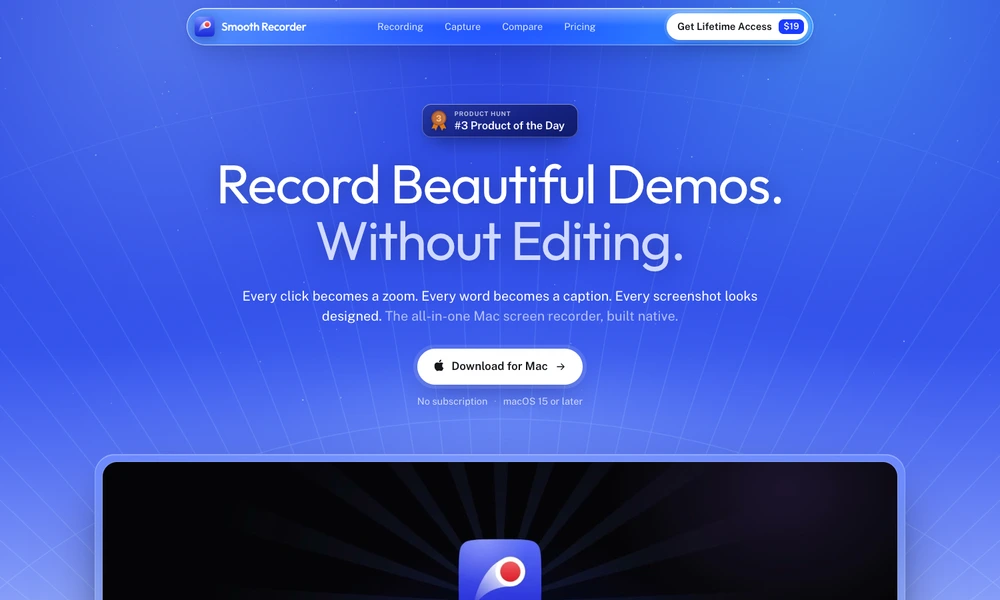
Smooth Recorder is a native Mac application for recording demonstrations and preparing screenshots. It captures a selected area, window, or display with optional camera, microphone, and system audio. After recording, automatic zoom follows interactions, while camera layouts and visual styling help present the result as a product walkthrough or tutorial.
Users can cut video by editing its transcript, remove filler words, adjust timing, and export MP4, MOV, or GIF files. Screenshot tools add annotations, backgrounds, frames, and redaction suggestions for sensitive details. Captioning and text recognition run on the Mac. The application requires macOS 15 or later and is offered through an early-access purchase rather than a recurring subscription.
Tried it? Share a useful thought or ask a question.
Good conversations start with a hello.
Sign in to commentTurn Mac screen recordings into edited demos with automatic motion
Record Mac screen demos with automatic zoom and smooth cursor motion.
Capture screenshots and recordings, add annotations, and edit presentation effects in one desktop app.
Capture, annotate, record, and extract text from the Mac screen in one application.
Record, edit, and prepare media locally on a Mac.
Record and refine screen videos on Apple Silicon Macs