Snapr
Capture screenshots and recordings, add annotations, and edit presentation effects in one desktop app.
Record Windows demos with automatic zooms, smooth cursors, and local export
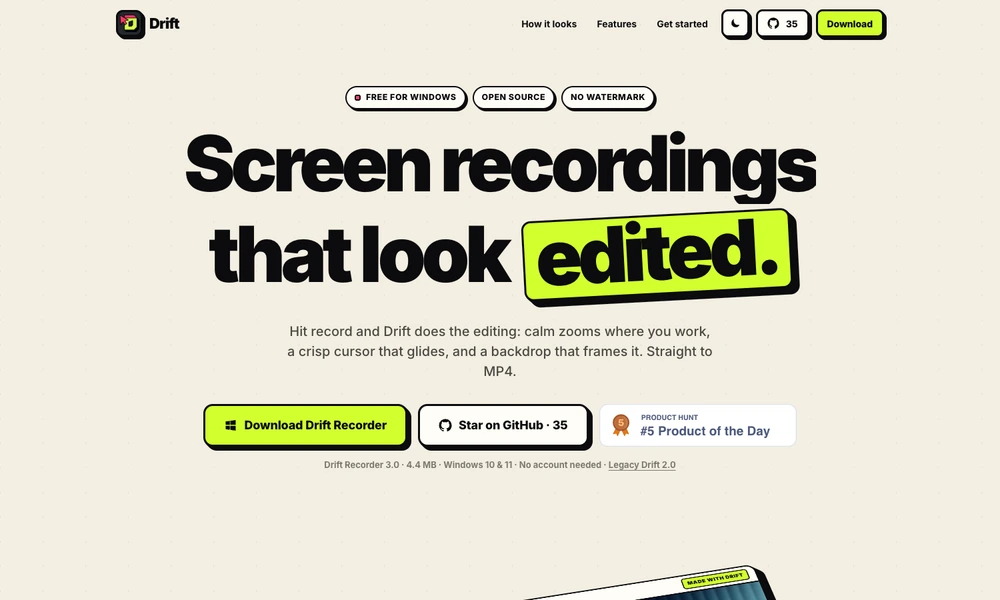
Drift Recorder is an open-source Windows screen recorder that adds presentation-style editing to captured footage. Users choose a screen or window, record their work, and review a version with automatic zooms, a smoothed cursor, and a framed background. The editor lets them adjust zoom choices, cursor size, and wallpaper before export.
Recording, editing, and rendering stay on the computer, with MP4 output and support for high-resolution video. The tool can follow typing activity and keep scrolling sequences at a wider view. Drift Recorder is useful for product walkthroughs, tutorials, and short demonstrations when the presenter wants clearer visual guidance without manually editing every camera movement.
Tried it? Share a useful thought or ask a question.
Good conversations start with a hello.
Sign in to commentCapture screenshots and recordings, add annotations, and edit presentation effects in one desktop app.
Record screens, webcam video, and audio for tutorials and presentations.
Record and share a Mac screen video, then polish it under the same link
Record and edit Windows screen videos with automatic zooms and adjustable cursor motion.
Record Mac screen demos with automatic zoom and smooth cursor motion.
Record, edit, and share screen videos with transcripts and developer logs