
OneCommander
Browse Windows folders with dual panes, columns and file previews
Browse and compare files in a two-pane Windows file manager
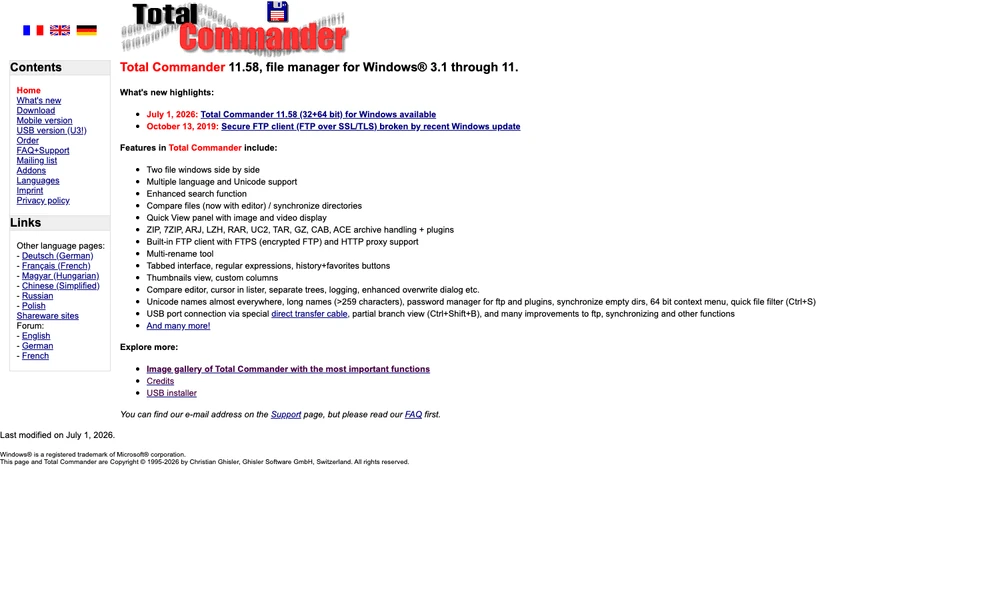
Total Commander is a Windows file manager with a two-panel layout for working between folders. You can inspect one location beside another, copy or move files between them, and use directory synchronization or file comparison to examine differences. Tabs, favorites, search, and quick filters help navigate a larger collection of files.
Its archive handling lets you work with compressed files from the same interface, while a multi-rename tool applies naming rules to groups of items. Quick View displays supported images and videos without opening a separate viewer. Built-in FTP and FTPS connections support remote file work, and plugins add further formats and functions.
Tried it? Share a useful thought or ask a question.
Good conversations start with a hello.
Sign in to commentBrowse Windows folders with dual panes, columns and file previews
Manage Windows files with configurable panes, tabs and batch tools
Organize Windows files with tabs, dual panes, tags and previews
Manage local and remote files with two panes and Vim-style shortcuts.
Manage files in a customizable terminal interface
Browse, organize, and share files from a native Mac workspace.