

Clipto MCP
Let AI assistants search approved local media with timestamps and source links
Adjust YouTube playback speed and volume from its settings menu
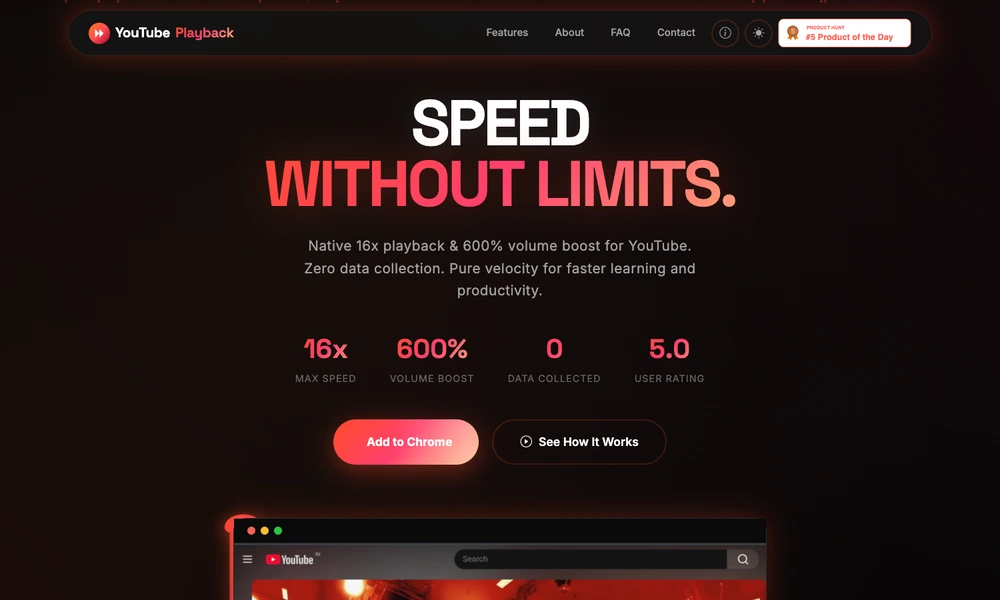
YouTube Custom Playback is a browser extension that adds a wider range of speed and volume controls to YouTube. Viewers can choose playback rates from 0.25x to 16x, making it possible to slow down detailed demonstrations or move quickly through long recordings. A volume booster also provides additional amplification for quiet audio.
The controls appear within YouTube's settings interface rather than in a separate floating panel. The extension works locally in the browser and does not require an account. It is useful for students, tutorial viewers, and anyone who frequently adjusts playback while reviewing lectures, demonstrations, interviews, or other lengthy video material.
Tried it? Share a useful thought or ask a question.
Good conversations start with a hello.
Sign in to commentLet AI assistants search approved local media with timestamps and source links
Organize and play your video library across Apple devices.
Run your own server to organize and stream a personal media library.
Search your phone library by image text, speech, objects, and faces
A media player designed for macOS
Manage a media library and play it across a desktop or home theater setup