

DockFlow
Save and switch macOS Dock layouts for different workflows
Snap Mac windows into standard or custom screen areas
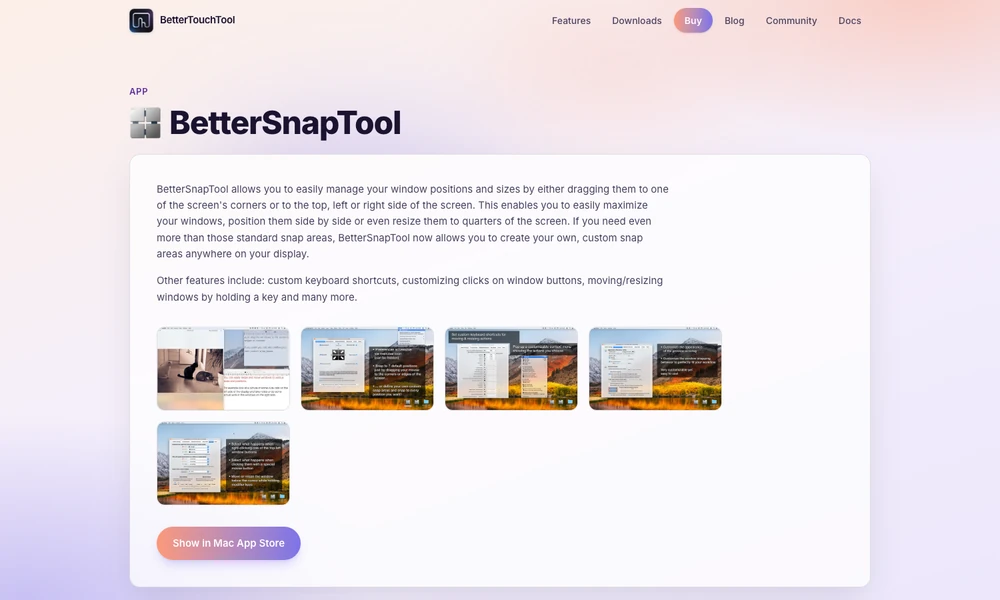
BetterSnapTool arranges windows on a Mac by snapping them to areas of the display. Drag a window to an edge or corner to maximize it, place it beside another, or fit it into a quarter of the screen. Custom snap areas let you define other sizes and positions for a particular workspace. Keyboard shortcuts apply those arrangements without dragging. You can also change what window-button clicks do or hold a key while moving and resizing a window. Someone comparing a document with a browser, for example, can give both a repeatable position and then adjust the arrangement when the work changes.
Tried it? Share a useful thought or ask a question.
Good conversations start with a hello.
Sign in to commentSave and switch macOS Dock layouts for different workflows
Review temporary Mac files and decide what to keep
Restore Mac windows and monitor arrangements automatically after reconnecting
Prepare Mac workspaces automatically from your calendar, schedule, and connected displays.
Keep live reference windows visible while working on a Mac
Arrange Mac windows with shortcuts and snap areas.