
Workflo
Prepare Mac workspaces automatically from your calendar, schedule, and connected displays.
Arrange Mac windows with shortcuts and snap areas.
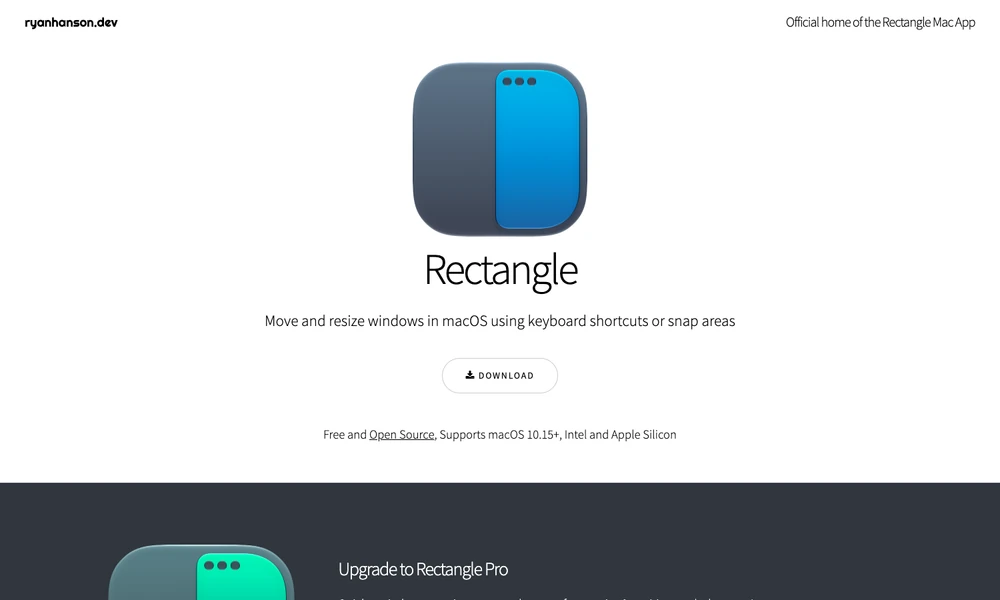
Rectangle lets you arrange Mac windows with keyboard shortcuts or by dragging them to snap areas at the edges of the display. A shortcut places a window into a section of the screen, and repeating certain shortcuts cycles through alternative sizes. Snap areas can be chosen to suit the way you divide your workspace, including portrait displays. The app is free and open source, with support for Intel and Apple Silicon Macs. Rectangle Pro is a separate version that adds custom shortcuts for window sizes and positions, along with additional controls for arranging windows.
Tried it? Share a useful thought or ask a question.
Good conversations start with a hello.
Sign in to commentPrepare Mac workspaces automatically from your calendar, schedule, and connected displays.
Keep live reference windows visible while working on a Mac
Save and reuse window layouts on your Mac.
Save your Mac window arrangements and restore them with a shortcut.
Switch between Mac windows by searching their titles
Check Claude usage limits and service status from the macOS menu bar