

Limelight
Record Mac tutorials with automatic zoom, keystrokes, and live annotations.
Record screen walkthroughs and edit narration, captions, and presentation in one workflow.
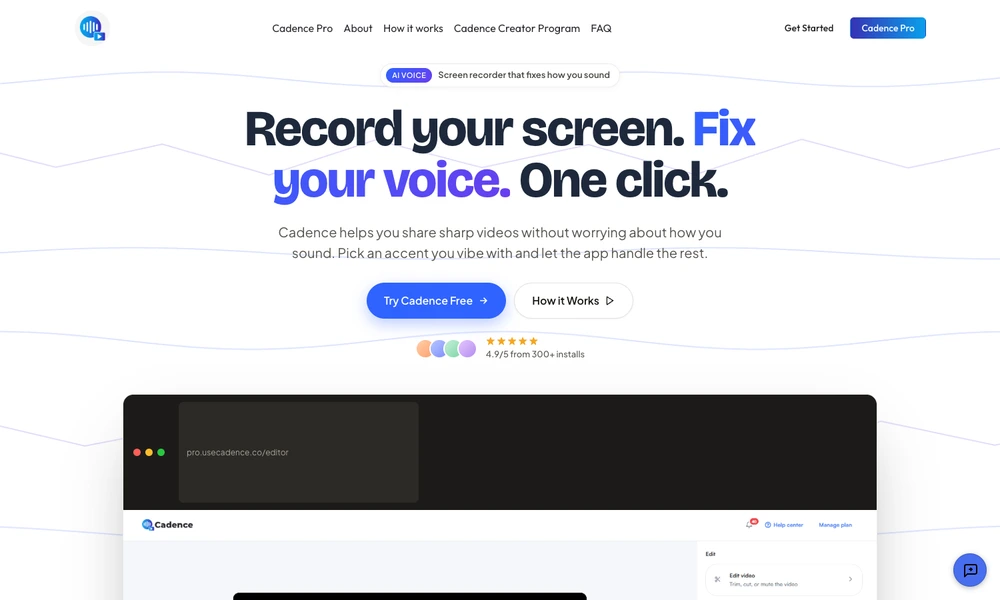
Cadence is a screen-recording tool with a Chrome extension and an accompanying editor. Users can capture a tab, window, screen region, camera, or microphone, then add drawing annotations, blur sensitive areas, and highlight cursor activity during a recording. Editing tools cover trimming, cutting, muting, cropping, captions, and adding audio.
AI features can change an accent, rebuild a voiceover, or generate an avatar to appear alongside the recording. These options are intended for tutorials, demonstrations, and other narrated walkthroughs. Recordings can be kept locally, exported, saved to Google Drive, or shared through a link. Users can review the edited result before distributing it to their audience.
Tried it? Share a useful thought or ask a question.
Good conversations start with a hello.
Sign in to commentRecord Mac tutorials with automatic zoom, keystrokes, and live annotations.
Record, edit, and share screen videos with transcripts and developer logs
Record, polish, and share video explanations of your work
Turn recorded screen walkthroughs into briefs for coding agents
Turn Mac screen recordings into polished demos with camera moves and device scenes.
Turn rough screen recordings into narrated product demos and tutorials