
Pane Studio
Record and edit Windows screen videos with automatic zooms and adjustable cursor motion.
Turn rough screen recordings into narrated product demos and tutorials
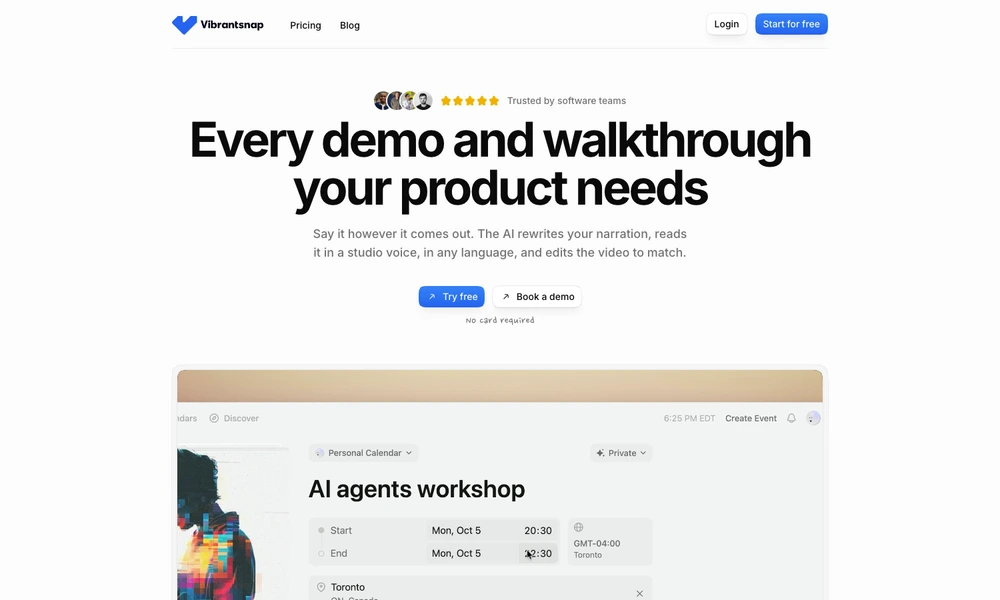
Vibrantsnap turns screen recordings into product demonstrations, tutorials, and walkthroughs. Users record their screen while speaking naturally or import an existing video. The software rewrites the narration, generates a studio-style voiceover, and adjusts the video to match the revised script.
Videos are divided into chapters with scripts that can be edited individually. Captions and automatic zooms help viewers follow the action, and voice options support multiple languages. Finished videos can be shared through links, embedded in websites or help centers, or exported in 4K. View analytics provide feedback on shared content, making the tool useful for onboarding, customer education, training, and feature announcements.
Tried it? Share a useful thought or ask a question.
Good conversations start with a hello.
Sign in to commentRecord and edit Windows screen videos with automatic zooms and adjustable cursor motion.
Record screens, webcam video, and audio for tutorials and presentations.
Capture, annotate, record, and extract text from the Mac screen in one application.
Record, edit, and prepare media locally on a Mac.
Present and record screen demos with live layouts, zooms, and branding
Record and polish Mac demos with automatic zoom and captions