
QuackScreen
Capture short screen recordings and screenshots from the Mac notch.
Record Mac tutorials with automatic zoom, keystrokes, and live annotations.
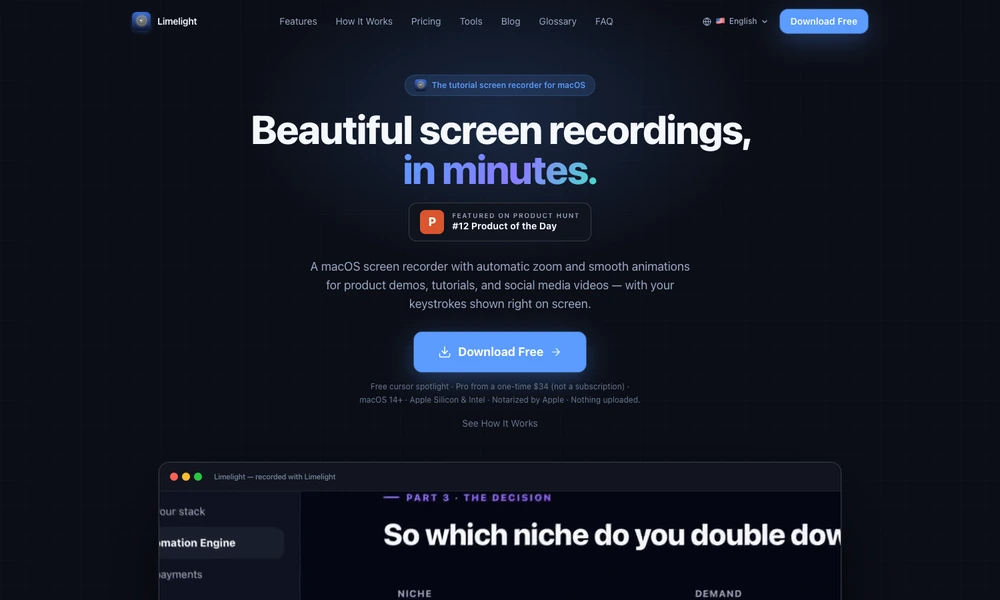
Limelight helps Mac users make screen demonstrations easier to follow. Its recorder automatically zooms toward clicks and smooths cursor movement, while overlays can show keyboard shortcuts, highlight the pointer, and display annotations. These tools also work during live presentations or calls, where viewers need to see the action as it happens.
A built-in editor trims recordings, changes playback speed, and exports standard or vertical video. The application runs locally and supports both Apple silicon and Intel Macs. A free tier includes cursor highlighting, while paid options unlock recording and the broader presentation toolkit. It is aimed at tutorials, product walkthroughs, and short explanations.
Tried it? Share a useful thought or ask a question.
Good conversations start with a hello.
Sign in to commentCapture short screen recordings and screenshots from the Mac notch.
Record screen walkthroughs and edit narration, captions, and presentation in one workflow.
Record Mac screen demos with automatic zoom and smooth cursor motion.
Record and share a Mac screen video, then polish it under the same link
Capture screenshots and recordings, add annotations, and edit presentation effects in one desktop app.
Record screens, webcam video, and audio for tutorials and presentations.