
Dina
Turn Mac screen recordings into edited demos with automatic motion
Build tutorials from screen recordings with editable tracks and cursor effects
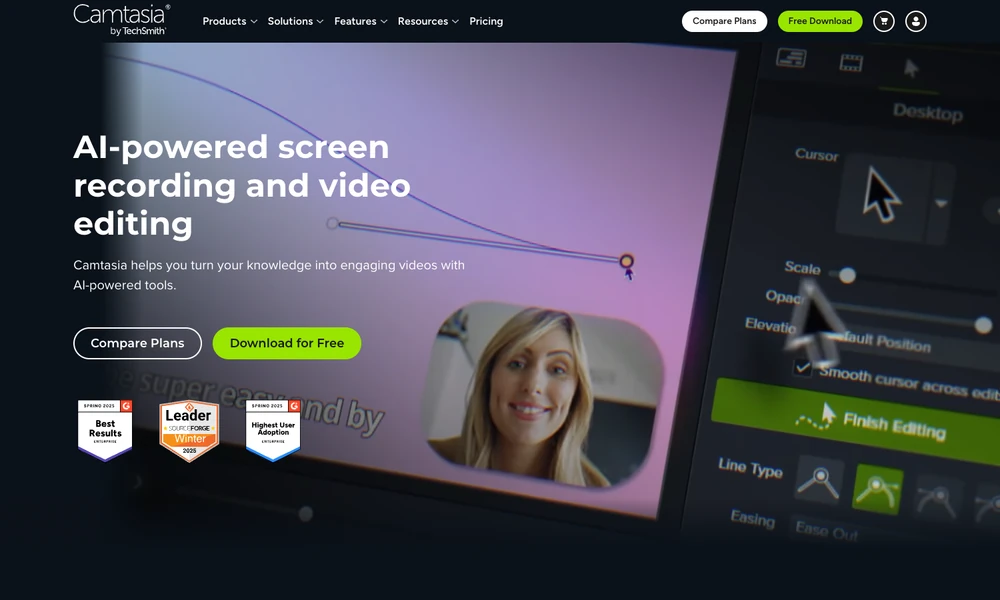
Camtasia records screens and edits videos on Windows and macOS. Screen footage, camera video, microphone input, and system audio remain separate layers, allowing changes after recording. The timeline provides cuts, zooms, callouts, and cursor effects for explaining a software process or other demonstration. Themes and templates keep recurring videos visually consistent.
Audiate-based tools connect spoken audio with an editable transcript, so deleting words can remove the corresponding section. Captions and translation tools support additional versions of the material. Users can also bring in footage recorded elsewhere. The available suite features depend on the selected plan, and free-editor exports include a watermark.
Tried it? Share a useful thought or ask a question.
Good conversations start with a hello.
Sign in to commentTurn Mac screen recordings into edited demos with automatic motion
Capture browser and desktop demos with automatic cursor zoom
Record desktop demos with automatic zoom, annotations, and timeline editing
Record Mac screen demos with automatic zoom and smooth cursor motion.
Record screens, webcam video, and audio for tutorials and presentations.
Record and refine screen videos on Apple Silicon Macs