

Lumiko
Capture browser and desktop demos with automatic cursor zoom
Record desktop demos with automatic zoom, annotations, and timeline editing
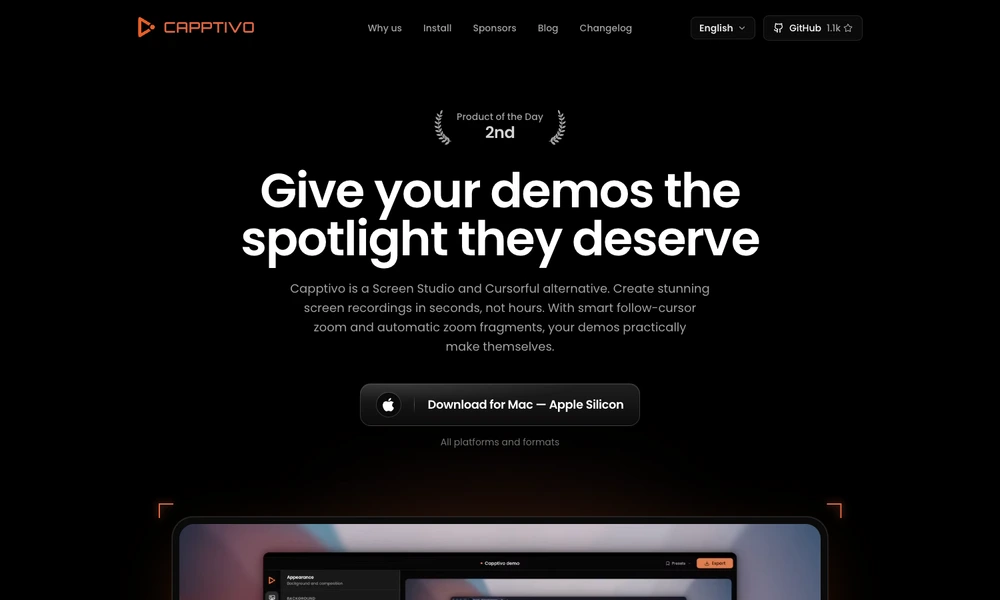
Capptivo is an open-source desktop recorder for making product demos and instructional videos. Its zoom and pan behavior follows the cursor to keep the important part of a recording in view. Users can adjust zoom segments on a timeline, change the background, and add pen marks, highlights, or shapes while explaining a process.
Cursor presentation can be customized, with idle hiding and looping paths available for repeatable clips. A single edit can be exported in widescreen, square, or vertical formats for different destinations. Desktop downloads are offered for macOS, Windows, and Linux, so users can choose a build that matches their machine and recording workflow.
Tried it? Share a useful thought or ask a question.
Good conversations start with a hello.
Sign in to commentCapture browser and desktop demos with automatic cursor zoom
Build tutorials from screen recordings with editable tracks and cursor effects
Turn Mac screen recordings into edited demos with automatic motion
Record and edit screen demos with local capture and automatic zooms
Record screens, webcam video, and audio for tutorials and presentations.
Record Mac screen demos with automatic zoom and smooth cursor motion.