Presentify
Annotate, highlight, and magnify your screen during presentations
Live captions, annotations, and pointer tools for Mac demonstrations
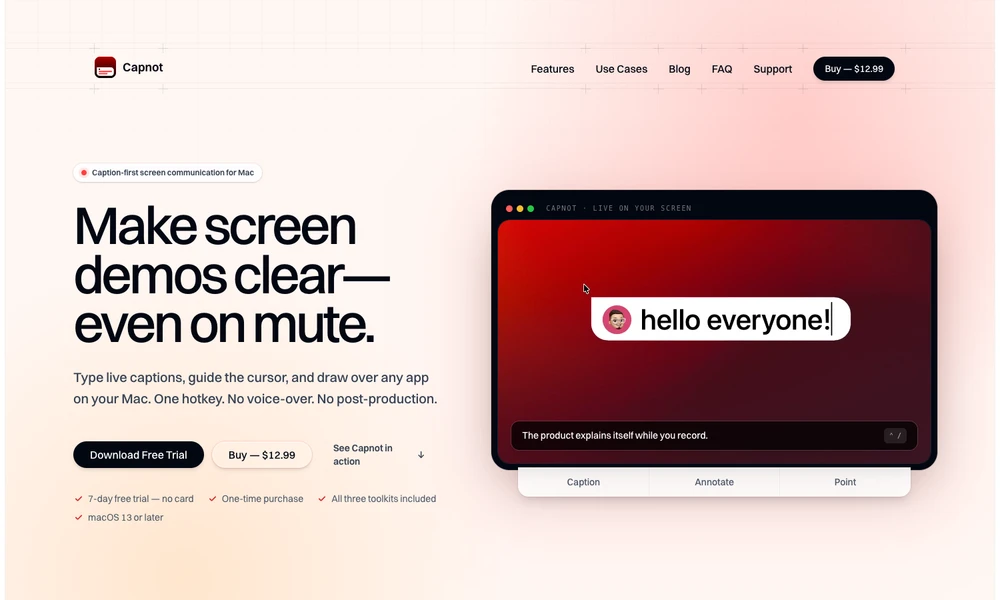
Capnot adds captions, annotations, and pointer effects over applications on a Mac while you present, share your screen, or record a demonstration. Typed subtitles and cursor-following speech bubbles can explain actions without a voice-over. Drawing tools provide arrows, boxes, text labels, numbered markers, and blur regions, while spotlight, laser, highlighting, and magnification help viewers follow a small interface detail.
Each tool has a keyboard shortcut and can be used with an existing screen recorder or meeting app. An optional live-caption feature, currently labeled beta, transcribes speech on the device. Capnot is available as a downloadable app with a free trial and a one-time license, making it useful for tutorials, product walkthroughs, and live presentations.
Tried it? Share a useful thought or ask a question.
Sign in to join the discussion.
Sign in to commentAnnotate, highlight, and magnify your screen during presentations
Share and annotate a selected region of your Mac screen.
Control which parts of a Mac desktop remain visible while presenting or sharing the screen.
Frame, annotate and redact screenshots on a Mac
Capture, annotate, and style screenshots locally on your Mac.
Keep annotated screenshot references above your Mac windows