

BetterSnapTool
Snap Mac windows into standard or custom screen areas
Switch Mac apps and windows with awareness of every display
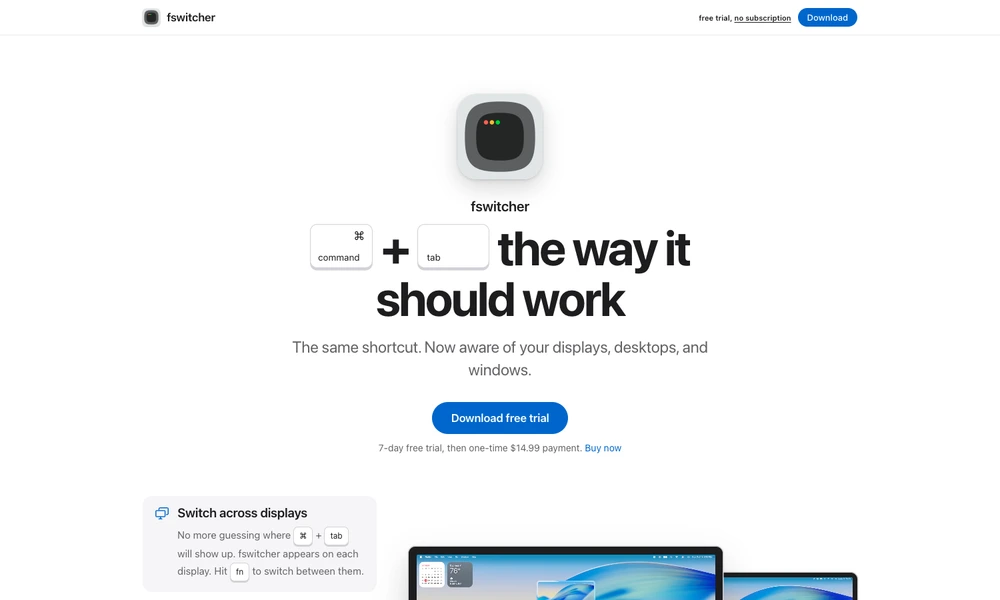
fswitcher extends Command-Tab on the Mac with a clearer view of applications, windows, desktops, and displays. Its switcher appears on each display, and dedicated shortcuts let you choose where you want to work before selecting a window. Live previews help distinguish similar windows without opening each one in turn.
You can use familiar app tiles or a window-focused layout that reflects the windows on each desktop. Apps without active windows move into a separate row, keeping the main switcher easier to navigate. Additional keyboard actions handle closing a window, entering full screen, or jumping directly to a numbered window. fswitcher is available as a Mac download with a trial and a one-time license.
Tried it? Share a useful thought or ask a question.
Good conversations start with a hello.
Sign in to commentSnap Mac windows into standard or custom screen areas
Save and switch macOS Dock layouts for different workflows
Review temporary Mac files and decide what to keep
Restore Mac windows and monitor arrangements automatically after reconnecting
Prepare Mac workspaces automatically from your calendar, schedule, and connected displays.
Keep live reference windows visible while working on a Mac