
Vibrantsnap
Turn rough screen recordings into narrated product demos and tutorials
Record and edit Windows screen videos with automatic zooms and adjustable cursor motion.
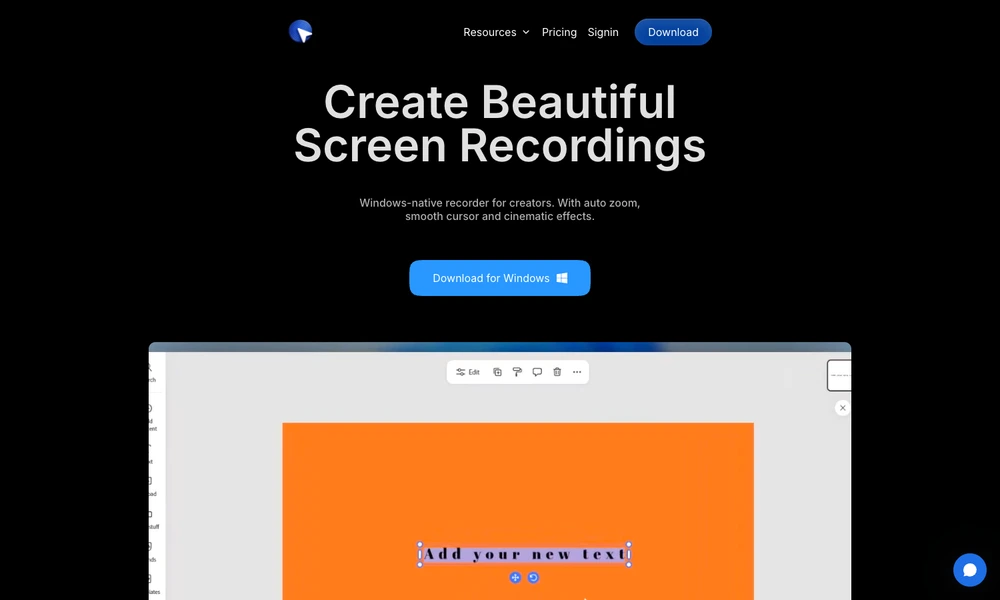
Pane Studio combines screen recording and editing in a Windows application. Users can capture a full display, an individual window, or a selected area alongside webcam video, microphone input, and system audio. The resulting project opens in an editor designed around tutorials, demonstrations, and walkthroughs.
Automatic zooms emphasize clicks, while cursor controls adjust size, smooth movement, or hide idle moments after recording. The timeline also supports trimming, speed changes, cropping, and camera layouts. Backgrounds, padding, shadows, and aspect-ratio presets help prepare a video for a presentation or social channel. Screen, camera, audio, and effects remain available together in the same editing workflow.
Tried it? Share a useful thought or ask a question.
Good conversations start with a hello.
Sign in to commentTurn rough screen recordings into narrated product demos and tutorials
Record screens, webcam video, and audio for tutorials and presentations.
Capture, annotate, record, and extract text from the Mac screen in one application.
Record, edit, and prepare media locally on a Mac.
Present and record screen demos with live layouts, zooms, and branding
Record and polish Mac demos with automatic zoom and captions